
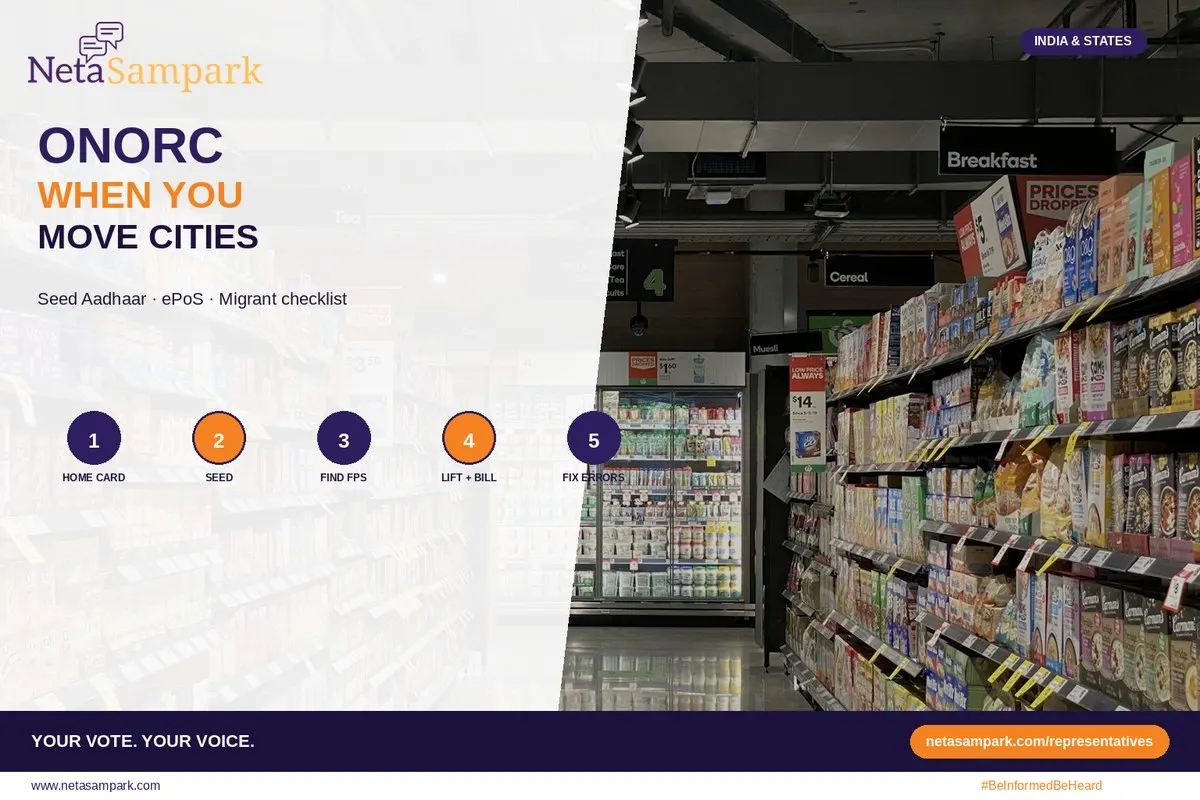
Quick take: If your ration card is back in your home district but you're working in another state, One Nation One Ration Card (ONORC) is designed to help eligible National Food Security Act (NFSA) households collect their entitled foodgrains from an ePoS-enabled Fair Price Shop (FPS) away from their home location.
It can be remarkably useful for migrant families—and frustrating when Aadhaar, ration-card data or the ePoS machine doesn't cooperate.
The key is to prepare before you need it: check your card, make sure the right household members can authenticate, know where to go, and keep the transaction receipt.
Important: ONORC provides portability of eligible NFSA foodgrain entitlements. It does not automatically create a new ration card in your destination state or guarantee every state-specific food subsidy. Those benefits can have separate eligibility and registration rules.
What is One Nation One Ration Card?
ONORC is the portability framework under India's NFSA system that allows eligible ration-card beneficiaries to access their entitled foodgrains from participating ePoS-enabled Fair Price Shops outside the location where their ration card was originally issued.
For a migrant worker, that can mean something very practical:
Your family doesn't necessarily have to travel back home just to collect its NFSA entitlement.
The transaction is authenticated through the systems used by the relevant state food department and FPS, subject to the applicable rules, available entitlement and technology at the destination shop.
Think of it as:
Home ration card → portable entitlement → destination FPS → ePoS authentication → receipt
It is not the same thing as transferring your entire ration card to another state.
Before You Leave Home: Prepare Your Ration CardPortability works best when your underlying ration-card information is already correct.
Before travelling—or during your next visit home—check these things.
1. Confirm your ration card is active
Make sure the household is actually listed under the applicable NFSA/state system and that the card has not been suspended, cancelled or otherwise marked inactive.
If the card itself has a problem, moving to another state will not necessarily solve it.
2. Check Aadhaar seeding and authentication
For members who intend to collect foodgrains using an Aadhaar-based authentication process, make sure the relevant records are correctly linked according to your state's current rules.
Don't wait until you're standing in front of an FPS machine to discover that the member's details don't match.
3. Check the household member list
Look carefully at who is listed on the ration card.
A family member who has permanently moved, married or died may need to be updated.
At the same time, a new eligible member may need to be added according to state rules.
Bad source data can follow you into a portability transaction.
4. Save your documents
Keep offline copies of:
- Ration card
- Aadhaar documents for relevant household members
- Previous ration transaction receipts
- Any application or grievance numbers
- State food-department reference numbers
Store them securely.
You should never send someone's Aadhaar or OTP to an unknown person simply because they claim to be helping with ONORC.
Moving to Another State? Find the Right FPSOnce you're at your destination, don't simply walk into the first ration shop you see.
Look for an FPS that is enabled for the applicable portability transaction.
Depending on the state, you may be able to find FPS information through the state food department's website, mobile application, helpline or local support network.
When in doubt, ask the state food department or official helpline which nearby FPS can process the transaction.
Carry these with you
Ideally, have:
- Ration card details
- Aadhaar of the member attempting authentication
- Mobile phone
- Previous transaction information, if available
- Any official beneficiary/reference number
Keep the information accessible offline because connectivity can be unreliable.
At the Ration Shop: What Actually Happens?The exact workflow can vary by state and the technology available at the FPS.
Generally, the process looks like this:
Step 1: Tell the FPS dealer you're using portability
Don't assume the dealer will know which household member is trying to transact.
Give the relevant ration-card information.
Step 2: Authenticate as required
The ePoS system may require the authentication method enabled for that transaction and beneficiary.
Follow the official process displayed on the device.
Never give your Aadhaar OTP to the dealer or another person.
Step 3: Check your entitlement
Before accepting the foodgrains, look at what the system shows as available.
If the quantity appears different from what you expected, ask the dealer to explain the transaction.
Step 4: Collect the receipt
Always take the transaction receipt.
It gives you something concrete to use if there is a later dispute.
Check:
- Date
- FPS details
- Beneficiary details
- Quantity
- Transaction/reference number
A receipt is far more useful than remembering what the dealer told you verbally.
What If ONORC Doesn't Work?This is where preparation matters.
Don't leave the shop simply because the machine says "failed."
First, understand why it failed.
What happenedPossible reasonWhat to doAadhaar not recognisedData/authentication problemAsk the food department/FPS about correction or alternate permitted authenticationBiometric failureAuthentication issueRetry as permitted; ask whether an alternate official method is availableRation card not foundCard/data problemContact the originating state's food departmentCard shown inactiveSource-card status problemResolve status with the relevant authorityePoS offlineConnectivity/system issueAsk when the shop can retry or identify another authorised FPSQuantity appears lowerEntitlement/previous transaction issueCheck transaction history and request clarificationTransaction succeeds but receipt is unclearDevice/printing issueRecord the transaction/reference number immediately
The most important thing to record is the exact error message or transaction number.
"Machine wasn't working" is difficult to investigate.
"Transaction ID XXXXX failed with error XYZ at FPS ABC on 11 September" gives an official department something to work with.
Don't Pay Someone to "Unlock" Your RationA common vulnerability during migration is dependence on middlemen.
Someone may tell you:
"Give me ₹200 and I'll make the portability work."
Don't.
ONORC transactions are meant to operate through the authorised system. If there is a genuine technical or data problem, ask the official food department or designated support channel what needs to be corrected.
Be particularly careful if someone asks for:
- Aadhaar OTP
- Bank OTP
- UPI PIN
- ATM PIN
- Full copies of documents over WhatsApp
- Money to "activate" portability
An OTP is not proof that someone is an official government representative.
Your Migrant Family ONORC ChecklistDo this before the next ration cycle.
TaskDone?NFSA/ration-card status confirmed☐Household members checked☐Aadhaar/authentication details checked☐Ration-card copy saved offline☐Destination FPS identified☐Official food-department helpline saved☐First successful portability receipt saved☐Transaction/reference number recorded☐Failed transaction/error code recorded, if applicable☐Written complaint filed if problem repeats☐
Keep this information with the person who actually visits the ration shop.
What If the Problem Happens Repeatedly?One failed transaction can be a technical problem.
Ten families from the same factory or construction site reporting the same error is something different.
That is when you should start documenting the pattern.
For each affected household, record only what is necessary and obtain consent before sharing personal information.
Create a simple table:
FamilyDateFPSProblemError/ReferenceFamily ADateFPS IDAuthentication failedXXXXXFamily BDateFPS IDCard not foundXXXXXFamily CDateFPS IDPartial entitlementXXXXX
Do not publish Aadhaar numbers, full ration-card numbers or private phone numbers online.
Take the anonymised pattern to the relevant food department.
If the problem remains unresolved across a locality or worker community, you can also brief the appropriate elected representative with the documented complaint numbers.
When Should You Involve Your MP, MLA or Local Representative?Your representative should not be the first stop for a failed biometric transaction.
Start with the operational system:
FPS → state food department/helpline → grievance channel → higher administrative authority
But representatives can become useful when the problem is systemic.
For example:
- Dozens of migrant workers cannot access portability.
- Multiple FPS outlets have the same recurring failure.
- Complaints are repeatedly closed without resolution.
- A local implementation problem continues despite documented tickets.
Give the representative numbers, dates and complaint IDs.
Don't send:
"Nobody cares about migrant workers."
Send:
"Twenty-three beneficiaries at three FPS outlets reported failed ONORC transactions between 4–10 September. Here are the complaint and transaction references."
That is much harder to ignore.
ONORC Does Not Replace Every Welfare SchemeThis distinction is important.
ONORC concerns portability of eligible NFSA foodgrain entitlements.
It does not automatically make every benefit portable across state borders.
For example, when a family moves, separately check:
- State-specific ration benefits
- School enrolment
- Anganwadi/ICDS services
- Midday meal or school nutrition arrangements
- Health schemes
- State welfare schemes
- Domicile-linked benefits
- Scholarships
- Labour registrations
The ration shop is only one part of a migrant family's welfare system.
What About Children and Nutrition?Don't assume that getting ration through ONORC automatically transfers every nutrition service your children received at home.
School meals, Anganwadi services, take-home rations and state-specific nutrition programmes can have their own enrolment and operational rules.
After moving, ask the nearest:
- Government school
- Anganwadi worker
- Local child-development office
- State food/welfare department
what needs to be registered locally.
A family shouldn't discover six months later that the rice was portable but the child's other support wasn't.
Women Migrants and Single-Member HouseholdsIn many migrant households, one person ends up doing all the paperwork.
That can become a problem when the person who normally handles the ration card is working a different shift or has returned temporarily to the home district.
Before relying on one household member:
- Check which members are eligible to authenticate.
- Confirm the current rules for the destination state.
- Make sure the intended beneficiary's details are correct.
- Save the relevant helpline number.
- Keep transaction receipts.
Don't invent an "authorisation letter" because a dealer casually asks for one. If an alternative collection arrangement is permitted, confirm the format with the official food department.
Should You Surrender Your Home Ration Card After Moving?Don't do it casually.
Permanent migration and temporary migration are different situations.
If your family has permanently settled in another state, check that state's process for obtaining or transferring the appropriate ration-card benefits.
If you're a temporary migrant worker, ONORC may provide portability while your underlying card remains in the home system, subject to eligibility and applicable rules.
Before surrendering or cancelling anything, understand what happens to the household's existing entitlement.
A quick decision made at a ration shop can create a much bigger paperwork problem later.
A Simple Rule for Migrant FamiliesThink of your welfare documents in three layers:
1. Identity
Aadhaar and other accepted identity documents.
2. Entitlement
Ration card/NFSA status and household member records.
3. Transaction
The actual FPS/ePoS transaction and receipt.
If something goes wrong, find out which layer failed.
That immediately makes the problem easier to explain.
Where NetaSampark FitsGovernment departments operate the welfare systems. NetaSampark helps citizens understand who represents their area and where to take a documented civic issue when administrative channels aren't enough.
For systemic problems affecting a neighbourhood, worker community or ward, keep your complaint IDs and evidence together before approaching a representative.
Find your representatives:
https://netasampark.com/representatives
Explore civic tools:
https://netasampark.com/explore
The 5-Minute ONORC RuleBefore you leave the ration shop, ask yourself five questions:
Did the transaction happen?
Did I receive the correct quantity?
Did I get the receipt?
Do I have the transaction/reference number?
If it failed, did I record the exact reason?
If you can answer all five, you have something much more valuable than an argument at the counter:
You have a paper trail.
Final takeaway
ONORC is built around a simple idea: your food entitlement shouldn't become useless simply because your job moved across a state border.
But portability depends on the details—accurate ration-card data, eligible beneficiaries, authentication, an enabled FPS and a working ePoS system.
Prepare before you need it.
Check your card.
Know your destination FPS.
Keep your documents secure.
Save every receipt.
Record every failed transaction.
And when something goes wrong, take the error number with you—not just the frustration.
Be informed. Be heard.
Non-partisan civic explainer. ONORC procedures, authentication methods, eligibility and state-level implementation can change. Confirm the current rules with the Department of Food & Public Distribution and your State/UT Food Department before acting. Last editorial pass: 11 September 2026 (IST).
Official sources
Confirm fees, dates and eligibility on the official page before you act.