
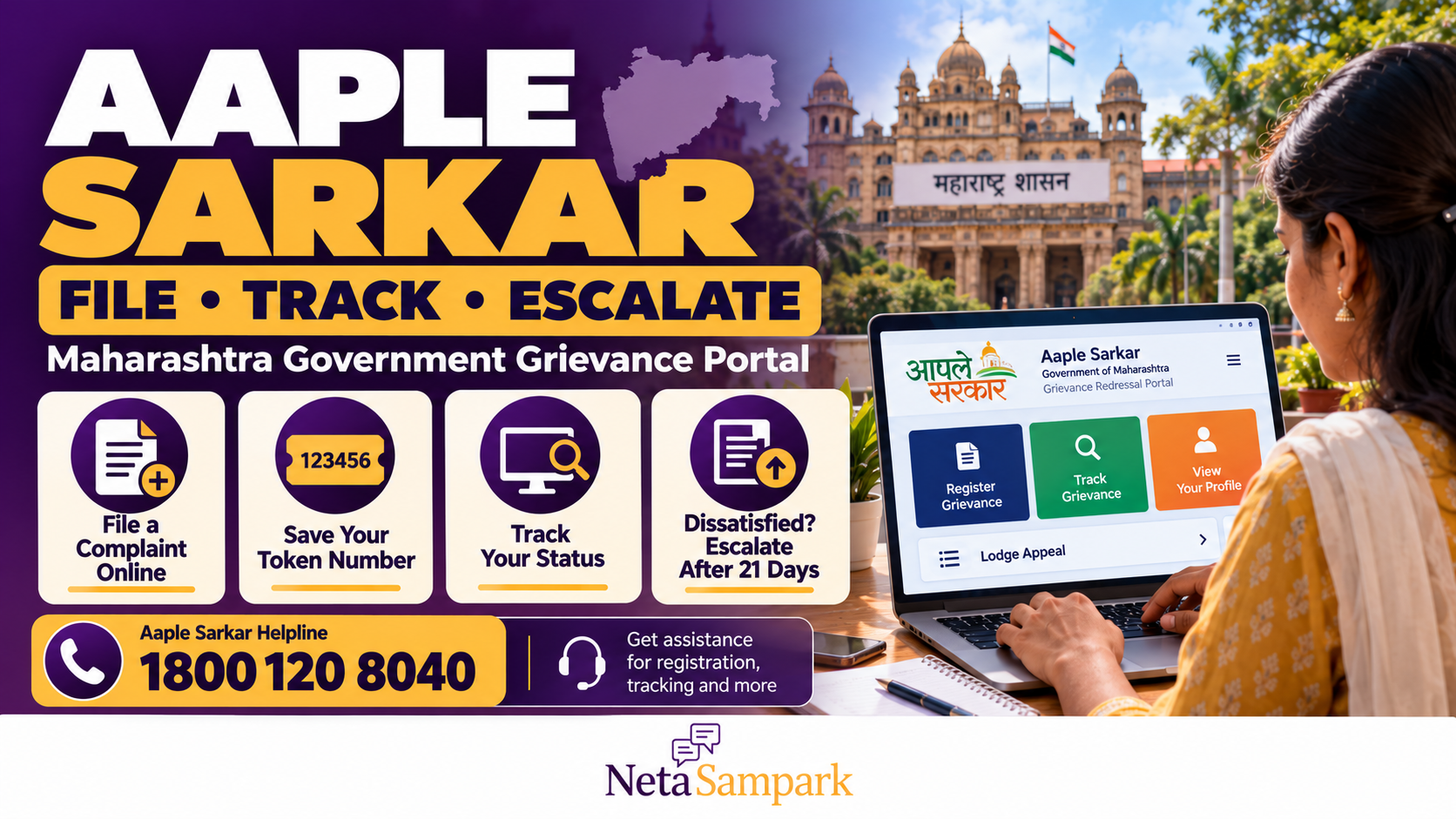
Aaple Sarkar Grievance Portal: How to File a Complaint With the Maharashtra Government Online, Track It and Appeal After 21 Days
Have you complained about a government service in Maharashtra but received no response? Is your application stuck, a local civic issue unresolved, or a department failing to address your grievance?
The Maharashtra government’s Aaple Sarkar Grievance Redressal Portal lets citizens submit complaints online, receive a token number and track the status of their grievance. The government’s grievance guidance says the competent authority will try to resolve a complaint within 21 days.
If the response is unsatisfactory, you can submit feedback and seek escalation through the portal’s available process.
This guide explains how to register a complaint, track it, follow up after 21 days and understand the difference between a general grievance and a formal appeal under Maharashtra’s Right to Public Services Act.
1 What is the Aaple Sarkar Grievance Portal?
Aaple Sarkar is a Maharashtra government initiative that provides online access to public services and grievance-redressal facilities.
The grievance system is intended to help citizens raise issues with the relevant government department without having to begin by visiting multiple offices.
You can use it to:
- Register a grievance about a government service or department.
- Obtain a unique grievance token number.
- Track the progress of a complaint.
- Review the response provided by the concerned authority.
- Record whether you are satisfied or dissatisfied with the resolution.
- Seek escalation when the response is unsatisfactory.
The portal is intended to improve the visibility and accountability of grievance handling. However, filing a complaint does not guarantee that the government will grant the specific relief you request.
2 Official website and helpline
Use the official Maharashtra government grievance portal:
Aaple Sarkar Grievance Redressal Portal
The portal provides citizen registration, login, grievance tracking and other grievance-related options.
<box border radius="lg" padding={4} gap={2}> <title size="lg">Maharashtra Citizen Contact Centre</title> <title size="2xl" color="#6D28D9">1800 120 8040</title> <text>Free helpline listed by the Maharashtra government for assistance with portal services.</text> <text><Link url="https://grievances.maharashtra.gov.in/en/citizens/login" title="Open the official citizen login page"/></text> </box>
The separate Aaple Sarkar public-services portal is also important if your problem concerns a delayed certificate or another notified public service. Its appeal procedure can differ from the general grievance-redressal process.
3 What complaints can you file?
The grievance portal is designed for citizens seeking redressal of complaints relating to Maharashtra government departments and public services.
Depending on the department and the issue, you may be able to raise concerns about:
- Delay in a government department responding to a request.
- Problems with a government scheme or service.
- Unresolved complaints relating to a public authority.
- Difficulties with a department’s handling of an application.
- Problems concerning the implementation of a government programme.
- An unsatisfactory response to an earlier grievance.
The portal’s available categories and the department responsible for the subject determine how a complaint is routed.
What if your complaint concerns a certificate?
If you applied for a notified certificate—such as an income, domicile or other public-service certificate—and the application is delayed or rejected, you may have a specific remedy under the Maharashtra Right to Public Services Act, 2015.
In that situation, do not rely only on the general grievance portal. Check the service’s notified delivery timeline and the formal appeal mechanism described below.
4 How to file a complaint online
You can register a grievance through the official portal. Follow these steps.
Step 1: Open the grievance website
Visit grievances.maharashtra.gov.in.
Choose the citizen registration or login option. If you are a new user, complete the registration process according to the instructions shown on the website.
Step 2: Sign in to your account
Use your registered login details. If you already have an account, you generally do not need to create another one merely to submit a new grievance.
If you cannot sign in, use the portal’s account-recovery option or contact the citizen helpline.
Step 3: Select the appropriate department and category
Choose the government department or grievance category that best matches your problem.
Selecting the right category helps route the complaint to the authority responsible for examining it.
If you are unsure which department is responsible, describe the issue accurately and seek assistance through the official contact centre.
Step 4: Explain the grievance clearly
Write a concise description of the problem. Include:
- What happened.
- When it happened.
- Which office, department or service is involved.
- Your application or reference number, if applicable.
- What steps you have already taken.
- What action you are requesting.
Avoid vague descriptions such as “Please solve my problem.” State the specific failure or delay and identify the outcome you want the department to consider.
Step 5: Attach supporting documents
If the form permits attachments, provide relevant evidence, such as:
- A copy of the original application.
- A previous complaint acknowledgement.
- Letters or notices from the department.
- Relevant photographs.
- Application-status screenshots.
- Other records supporting your complaint.
Submit only documents relevant to the issue and avoid uploading sensitive personal information unnecessarily.
Step 6: Submit and save your token number
Review the complaint before submitting it.
Once the grievance is registered, the system generates a unique token number. Save it carefully. This number is important for tracking the complaint and following up with the department.
Take a screenshot or download the acknowledgement if the portal offers that option.
5 How to track your grievance
After submitting your complaint, you can follow its progress through the portal.
- Open the official grievance portal.
- Sign in if required.
- Select the grievance-tracking option.
- Enter the requested token number or other details.
- Review the status and any response recorded against the complaint.
Keep the token number until the issue is resolved.
If the portal shows that your complaint has been closed, read the response carefully. A closed status does not necessarily mean that the actual problem has been fixed.
For example, a department may record that it has replied to your complaint even though you believe the underlying service issue remains unresolved.
In that case, use the feedback or escalation option available for the grievance.
6 What does the 21-day deadline mean?
The Maharashtra government’s departmental grievance guidance states that the competent authority will try to resolve a grievance within 21 days.
The wording matters: this is the stated target for grievance resolution, not a guarantee that every complaint will be decided in the applicant’s favour or that every requested action will be completed within that period.
Keep track of the date on which your complaint was registered and the token number.
If 21 days have passed without a satisfactory response:
- Check the latest status online.
- Read any response already recorded.
- Use the available dissatisfied-feedback or escalation facility.
- Refer to the original token number in your follow-up.
- Keep a record of the dates and responses.
Do not assume that every complaint has an identical statutory appeal deadline merely because the portal uses a 21-day resolution target.
7 How to escalate an unresolved grievance after 21 days
If the response is unsatisfactory or the issue remains unresolved after the stated period, use the grievance portal’s available escalation process.
Step 1: Open the existing complaint
Sign in and locate your registered grievance using its token number.
Step 2: Read the department’s response
Check whether the department has explained what action it took, whether it requested additional information and whether the complaint was closed.
Step 3: Record your dissatisfaction
Where the portal offers a Satisfied/Dissatisfied feedback option, select the appropriate response.
If you are dissatisfied, explain why. Be specific about what remains unresolved rather than repeating the original complaint without any update.
Step 4: Request further action
Use the portal’s available escalation option or follow the instructions provided for contacting the higher authority.
In your follow-up, include:
- The original token number.
- The date the grievance was filed.
- The department’s response, if any.
- The action that remains pending.
- The reason you consider the response inadequate.
- The relief you are requesting.
Step 5: Keep the record
Save the escalation acknowledgement or any new reference number. Continue tracking the matter through the official channel.
The precise escalation options can depend on the portal and the department. If no suitable option appears, contact the citizen helpline and ask how to escalate an existing grievance.
8 Important: A general grievance is not the same as a formal Right to Public Services appeal
This distinction can be crucial when your complaint concerns a delayed certificate or another service covered by the Maharashtra Right to Public Services Act, 2015.
The general grievance portal and the formal appeal system serve different purposes.
| General grievance portal | Right to Public Services appeal |
|---|---|
| Used to raise a grievance about a government department or service | Used when a notified public service is delayed or rejected without adequate justification |
| Generates a grievance token number | Relates to a specific service application and the applicable notified rules |
| Government guidance states that the authority will try to resolve the grievance within 21 days | Appeal deadlines and decision timelines are governed by the applicable service rules and Act |
| Allows feedback and escalation through the grievance system | Provides formal first, second and third appeal routes, as applicable |
Example: Your income certificate is delayed
Suppose you applied for an income certificate and the notified delivery period has expired.
You can check the application status through the Aaple Sarkar public-services portal.
The Maharashtra Right to Public Services framework allows an eligible applicant to appeal when a notified service is delayed or rejected without adequate justification. The formal process generally involves:
- First appeal: To the designated first appellate authority.
- Second appeal: To the designated second appellate authority.
- Third and final appeal: To the Maharashtra State Commission for Right to Services, where applicable.
The responsible officers, filing periods and procedures depend on the particular notified service. Check the service listing and applicable instructions before filing.
The official Aaple Sarkar guidance says a first appeal should ordinarily be filed within 30 days of the rejection order or expiry of the stipulated service period. The authority may admit a late appeal in qualifying circumstances under the applicable rules.
Do not confuse this 30-day appeal period under the public-services framework with the general grievance portal’s 21-day resolution target.
Official information is available through the Aaple Sarkar public-services portal and the Maharashtra State Commission for Right to Services information page.
9 A complaint template you can copy
Use this outline to organise your complaint before entering it into the portal.
Subject: Grievance regarding [issue] — [department or service]
Dear Sir/Madam,
I am submitting a grievance regarding [briefly describe the issue] involving [department, office or service] in [district or locality].
Date of application or incident: [Date]
Application/reference number: [Number, if applicable]
Details of the grievance:
I applied for or reported [service or problem] on [date]. The issue is [describe the delay, failure, incorrect response or unresolved problem]. I have already contacted [office or department] on [date], but the matter remains unresolved.
Relief requested:
I request that the competent authority examine the matter, take appropriate action and provide a clear response explaining the action taken or the next steps.
Supporting documents: [List relevant documents]
Please register this grievance and provide the token number for tracking and future follow-up.
Regards,
[Your name]
[Contact details]
After submitting, save the official acknowledgement and use its token number for follow-up.
10 Common mistakes to avoid
- Submitting without saving the token number: You need it to track and reference the grievance.
- Choosing the wrong department: This can delay routing and resolution.
- Writing an unclear complaint: State the facts, dates and requested action.
- Uploading unrelated documents: Attach only material that supports your complaint.
- Assuming that “closed” means “resolved”: Read the response and use the feedback or escalation option if the issue persists.
- Waiting indefinitely after 21 days: Check the status and follow the appropriate escalation route.
- Using the general grievance process for a formal service appeal without checking the rules: A delayed notified certificate may require a separate Right to Public Services appeal.
Frequently Asked Questions
Is the Aaple Sarkar Grievance Portal free?
The official portal provides online grievance registration and tracking. Use the official website and avoid unofficial agents who charge money merely to submit a complaint.
How long does Maharashtra take to resolve a grievance?
Government departmental guidance states that the competent authority will try to resolve a grievance within 21 days. This is not a guarantee of a favourable decision or completion of every requested action within that period.
What if I do not receive a response after 21 days?
Check your token number and complaint status, record your dissatisfaction where the option is available and use the portal’s escalation facility. If you cannot find the appropriate option, contact the citizen helpline.
What is the Aaple Sarkar helpline number?
The Maharashtra government lists 1800 120 8040 as its toll-free citizen contact centre number.
Can I appeal if my government certificate application is rejected?
Yes, if the service is covered by the Maharashtra Right to Public Services Act, 2015, you may have a formal appeal remedy. The applicable deadline and designated appellate authority depend on the service.
Is the 21-day grievance deadline the same as the formal appeal deadline?
No. The general grievance portal’s 21-day resolution target is distinct from the appeal periods under the Right to Public Services framework.
The bottom line
The Aaple Sarkar Grievance Redressal Portal gives Maharashtra residents a way to register government-service complaints online, receive a token number and follow the department’s response.
Start at grievances.maharashtra.gov.in, describe the problem clearly, save your token number and track the response. If the grievance remains unresolved after 21 days, use the portal’s available feedback and escalation process.
If your issue is a delayed or rejected notified public service, such as a certificate, check whether you should instead use the formal appeal mechanism under the Maharashtra Right to Public Services Act.
Official sources
- Maharashtra Aaple Sarkar Grievance Redressal Portal
- Citizen login and grievance tracking
- Maharashtra Right to Public Services — Aaple Sarkar portal
- Maharashtra State Commission for Right to Services — overview
- Maharashtra government guidance on grievance resolution within 21 days