
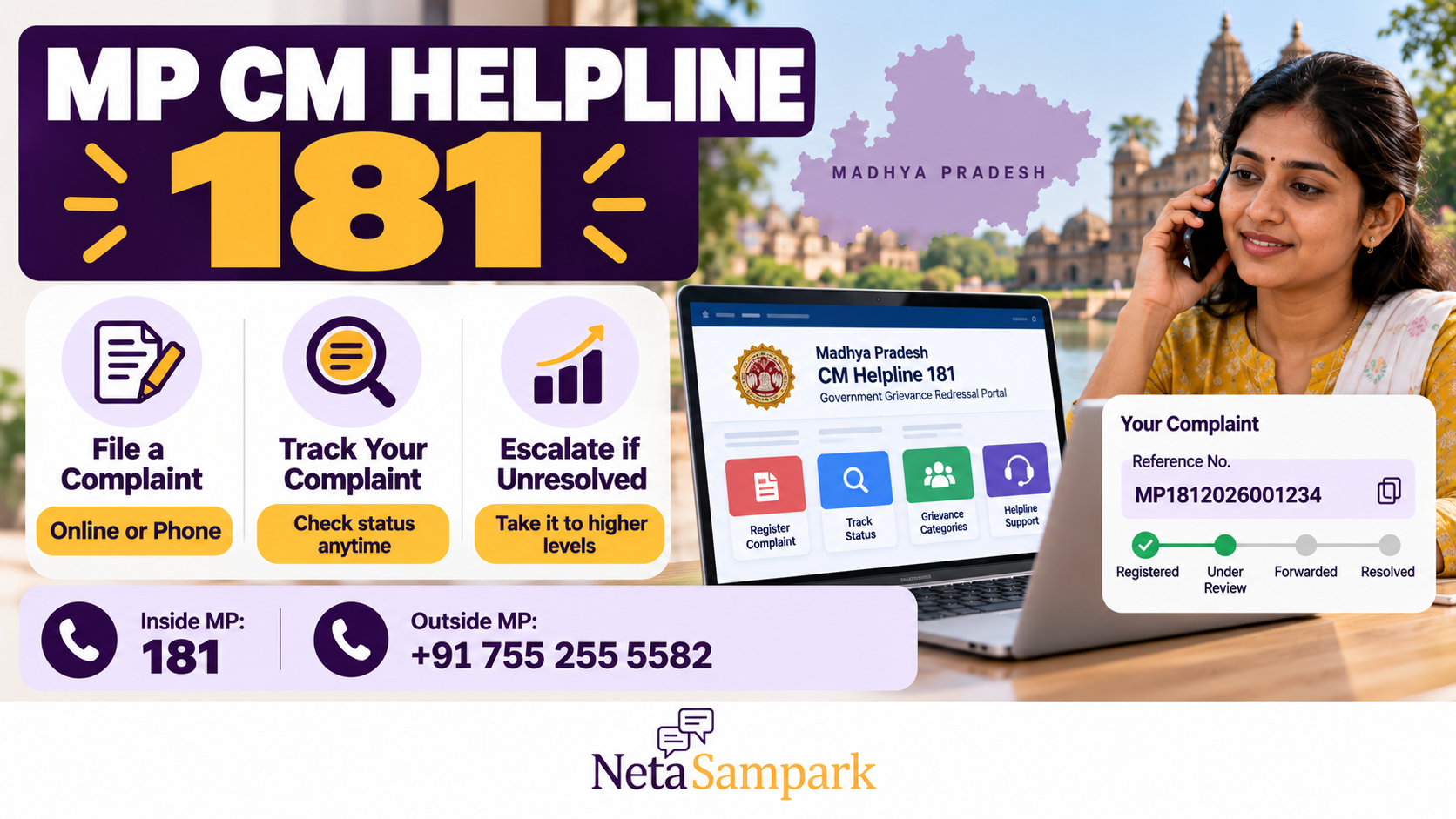
MP CM Helpline 181: How to File a Complaint Online or by Phone, Track It and Push It Up the Levels
Have you applied for a government scheme in Madhya Pradesh but not received the benefit? Is your pension delayed, a certificate pending, or a local government department ignoring your complaint?
The Madhya Pradesh CM Helpline 181 gives residents a way to register complaints about state government services, seek information, submit suggestions and follow up on grievances. You can contact the helpline by phone or use the official online portal to register and track a complaint.
The important part is not just filing a complaint. It is keeping your reference number, checking the recorded response and knowing what to do if the department marks your case as resolved without actually fixing the problem.
Official portal: https://cmhelpline.mp.gov.in/
What is MP CM Helpline 181?
CM Helpline 181 is a Madhya Pradesh government grievance and citizen-service channel operated under the state's public service administration. Complaints received through the call centre, website or citizen app are forwarded to the relevant department or officer for action. Citizens can also check complaint status through the official portal. Source: MP CM Helpline — About Us.
Residents can use it for issues relating to state government schemes, public services and departmental administration, subject to the complaint categories and procedures available on the portal.
Examples include:
- A pension or eligible scheme benefit that has not been received.
- A pending application for a state government service.
- A problem involving a local body or government department.
- A complaint about delays in processing an eligible benefit.
- A request for information about a state scheme or service.
- A grievance concerning the handling of an earlier application.
CM Helpline is not a substitute for emergency services, a court case or every specialised statutory grievance mechanism. For central government matters, the portal provides a separate route, and some subjects may need to be handled by the relevant specialised authority.
MP CM Helpline contact numbers
| Service | Contact |
|---|---|
| Calling from within Madhya Pradesh | 181 |
| Calling from outside Madhya Pradesh | +91 755 255 5582 |
| Official complaint portal | cmhelpline.mp.gov.in |
| Complaint status | Check grievance status |
| Official email | cmhelpline@mp.gov.in |
These contact details are published on the official CM Helpline contact page.
The portal's FAQ lists call-centre hours as 7 am to 11 pm. Since operating hours can change, confirm the current timings on the official website if you are planning to call.
How to file a complaint by calling 181
If you do not have reliable internet access, you can register a complaint by phone.
Step 1: Call the helpline
Dial 181 from within Madhya Pradesh. If you are calling from outside the state, use +91 755 255 5582.
Step 2: Explain the problem clearly
Tell the call-centre representative what happened, which department or service is involved, and what action you want the authorities to take.
For example, instead of saying, “My pension is not coming,” explain:
- Which pension or scheme you applied for.
- When you applied or when the payment stopped.
- Your application or beneficiary reference number, if available.
- Which office you contacted previously.
- What response, if any, you received.
Step 3: Provide the required details
The representative may ask for your name, mobile number, district, address, department and other information needed to register the grievance.
Provide accurate information. Keep relevant application numbers and documents nearby before calling.
Step 4: Obtain your complaint number
Ask for the complaint or grievance reference number and note it down. Keep the SMS confirmation if one is sent.
Do not end the process without recording the reference number. You will need it to check progress and follow up.
Step 5: Check the complaint record
Use the official grievance-status page to check the registered complaint. Follow the portal's instructions for entering your complaint number and the password received by SMS, where required.
How to file an MP CM Helpline complaint online
You can submit a grievance directly through the official website without making a phone call.
<text></text>
- Open the MP CM Helpline portal.
- Select the option for “शिकायत / मांग सुझाव दर्ज करें” — register a complaint, demand or suggestion.
- Enter the required complainant details, including your mobile number, name and location.
- Select the relevant district and the department or complaint category that best matches your issue.
- Complete the additional fields required for that category.
- Describe the problem in clear, factual language. Include dates, application numbers and earlier follow-up details where relevant.
- Attach supporting documents if the portal offers the option and your documents are relevant.
- Complete the OTP verification and submit the form.
- Save the complaint number and any acknowledgement or confirmation message.
The official online complaint form asks for complainant details, location, department, complaint category and a description of the issue. The exact fields may differ according to the complaint type.
What documents should you keep ready?
The documents depend on your complaint. You may need:
- Application or registration acknowledgement.
- Scheme beneficiary ID or relevant application number.
- Copies of previous written complaints.
- Payment records or bank entries relevant to the issue.
- Notices, rejection letters or official messages.
- Screenshots showing the application status.
- Relevant correspondence with the department.
Upload only documents that support your case. Avoid sharing unnecessary personal or financial information.
How to write a complaint that is easier to act on
A useful grievance explains what happened, when it happened, which service is involved and what resolution you are seeking.
You can use this structure:
Subject: Delay in [service or scheme] — [district]
Complaint details:
“I applied for [service or scheme] on [date], and my application/reference number is [number]. The application is currently showing [status], or the expected service has not been provided. I contacted [office or department] on [date], but the issue remains unresolved.
I request the concerned department to verify my application, explain the reason for the delay and take the action required under the applicable rules. Please provide the action taken and the current status of my case.”
Replace the placeholders with accurate information. Do not exaggerate, make unsupported allegations or include sensitive details that are not necessary to resolve the issue.
How to track your MP CM Helpline complaint online
Registering a complaint is only the first step. Check the portal periodically to see whether it has been forwarded, whether an officer has responded and whether a disposal decision has been recorded.
Follow these steps
- Open the official CM Helpline grievance-status page.
- Enter your complaint number.
- Enter the SMS password or other requested verification details.
- Complete any verification displayed on the page.
- Review the complaint status and available action history.
- Save the details if you need to follow up with the department.
If the portal does not accept your details, verify the complaint number and follow the instructions for receiving or resending the password. You can also contact the helpline for assistance.
What do complaint status updates mean?
The precise wording varies by case, but these are common types of updates you may encounter:
| Status or update | What it generally means | What you should do |
|---|---|---|
| Registered | The complaint has been recorded | Save the reference number |
| Forwarded to an officer | The complaint has been sent for action | Note the department or officer and monitor progress |
| Under process | Action or examination is ongoing | Check whether further information is required |
| Resolved or disposed | The department has recorded a disposal or resolution | Verify whether the actual problem has been fixed |
| Referred or transferred | The complaint has been redirected | Check which office is now responsible |
These are general explanations, not a guarantee that every case will use the same labels. Read the actual remarks and action history displayed for your complaint.
What if the department closes your complaint without solving the problem?
A complaint marked “resolved” is not necessarily proof that the practical problem has been fixed. Read the recorded response and compare it with what you originally requested.
For example, if your complaint concerned a pending pension payment but the response merely says that your application was forwarded to another office, check whether the payment has actually been credited and whether any further action is required.
If the issue remains unresolved:
- Record the exact problem with the closure response. Explain what the department has said and what remains outstanding.
- Keep evidence. Save the complaint history, disposal remarks, application status and relevant documents.
- Use the available feedback or follow-up facility. The official CM Helpline citizen app describes facilities for tracking grievances, sending reminders and providing feedback after disposal. Source: Google Play — CM Helpline Citizens app.
- Contact 181 or the official portal. Ask what procedure is available for a grievance whose recorded resolution has not addressed the issue.
- Escalate through the appropriate department or authority. If the portal identifies a responsible officer or provides an escalation route, use it and refer to the original complaint number.
Do not simply file duplicate complaints without explaining the history of the first one. A clear reference to the earlier grievance helps the next officer understand what has already happened.
How to push a complaint to higher levels
People often use the term “escalation” to mean asking a more senior authority to review a complaint that has stalled or been disposed of without a satisfactory outcome.
The appropriate route depends on the complaint category, the department involved, the applicable service timeline and the current workflow shown in the portal.
Level 1: Follow up on the original complaint
Start by checking the complaint's action history. Identify whether it has been assigned, whether the responsible officer has responded and whether any additional documents are required.
When contacting the helpline, give the original reference number and describe the specific action that is still pending.
Level 2: Ask for review by the responsible departmental officer
If the complaint is not progressing or the response does not address the issue, ask the helpline or department which supervisory officer is responsible for reviewing the case.
Where an officer's details are shown in the complaint history, refer to those details. Explain why the existing response is inadequate and state what outcome you are seeking.
Level 3: Use the applicable higher-level grievance route
If the matter remains unresolved, check the official portal, departmental grievance process or district administration's published contact information for the next review mechanism.
Some complaints may have a defined departmental escalation procedure; others may require a separate statutory appeal, service-guarantee remedy or specialised grievance channel. Do not assume every complaint follows one universal ladder or that a particular number of days automatically sends every case to the next level.
Level 4: Consider a formal remedy where applicable
If the matter concerns a service covered by a statutory guarantee, a rejected benefit or another legally regulated decision, ask the relevant department about the formal appeal or review procedure under the applicable rules.
A CM Helpline complaint does not necessarily replace a statutory appeal, and filing one should not cause you to miss a separate legal deadline.
Practical tip: Whenever you escalate, include the original complaint number, the date it was filed, the action history, the latest response and a concise explanation of what remains unresolved.
How long does MP CM Helpline take to resolve a complaint?
There is no single resolution period that can safely be applied to every complaint. The official FAQ notes that time limits vary according to the complaint or service category, with different timelines applying to different types of matters. Source: CM Helpline FAQ.
Check the timeline displayed for your specific category and any applicable service rules. If the stated period has passed, use the complaint reference number to request an update and ask which escalation procedure applies.
A complaint reference number does not, by itself, guarantee a particular outcome or a fixed resolution date.
Can you complain about a central government department through MP CM Helpline?
The MP CM Helpline portal provides a separate route for complaints relating to the Central Government. However, the appropriate platform depends on the department and subject involved.
If your grievance concerns a central government scheme or department, check the relevant central grievance mechanism and the instructions linked from the official MP portal. Do not assume that every central-government complaint can be resolved by a Madhya Pradesh department.
Can you check complaint status through WhatsApp?
The official CM Helpline information page lists +91 755 255 5582 as a WhatsApp contact for obtaining information about complaint status and government schemes. Source: CM Helpline — About Us.
Use only the official number published by the government. Do not send passwords, OTPs or unnecessary sensitive documents to an unverified account.
Is there an MP CM Helpline mobile app?
Yes. The government publishes a CM Helpline Citizens app for registering and tracking grievances. Its official listing says that users can receive a unique reference number, monitor progress, send reminders and provide feedback after disposal. Source: Google Play.
You can use the website instead if you do not want to install the app. Always verify that you are using the official government service.
Frequently asked questions
Is 181 free to call?
The Madhya Pradesh government lists 181 as its CM Helpline number. Check the official contact page for the current calling details and any conditions that may apply to your telecom service.
Can I file a complaint without visiting a government office?
Yes. The official portal and citizen app provide online complaint-registration facilities, and complaints can also be registered through the helpline by phone.
What should I do if I lose my complaint number?
Check your SMS messages and any saved acknowledgement. If you cannot recover the reference number, contact CM Helpline through its official contact channels and ask how your complaint can be located.
Can I complain again if the first complaint was closed?
You can ask the helpline or department what follow-up, feedback or review procedure applies. Explain why the earlier disposal did not resolve the issue and refer to the original complaint number.
Does filing a complaint guarantee that I will receive a scheme benefit?
No. The helpline provides a grievance channel; eligibility and entitlement remain governed by the relevant scheme rules. The department may need to verify your documents and circumstances before deciding the complaint.
What if the complaint concerns corruption or misconduct?
The official CM Helpline describes corruption-related calls among the types it receives. Provide factual details and supporting evidence where available. If a specialised vigilance or law-enforcement channel applies, use that route as well.
Final checklist before you submit an MP CM Helpline complaint
- Confirm that the issue concerns a Madhya Pradesh government service or a category accepted by the portal.
- Keep your application number and relevant documents ready.
- Describe the problem using dates and verifiable facts.
- Select the closest matching department and complaint category.
- Save the complaint reference number and acknowledgement.
- Track the status on the official website.
- Read the officer's response before accepting the complaint as resolved.
- Use the available reminder, feedback or review procedure if the issue remains unresolved.
- Check whether a separate statutory appeal or deadline applies.
Final word
MP CM Helpline 181 is a useful starting point when a Madhya Pradesh government service or scheme-related problem remains unresolved. File the complaint by phone or online, keep the reference number, check the action history and ask for the correct review route if the response does not solve the problem.
Official links
- MP CM Helpline portal
- Register a complaint online
- Check complaint status
- Contact details
- CM Helpline FAQ