
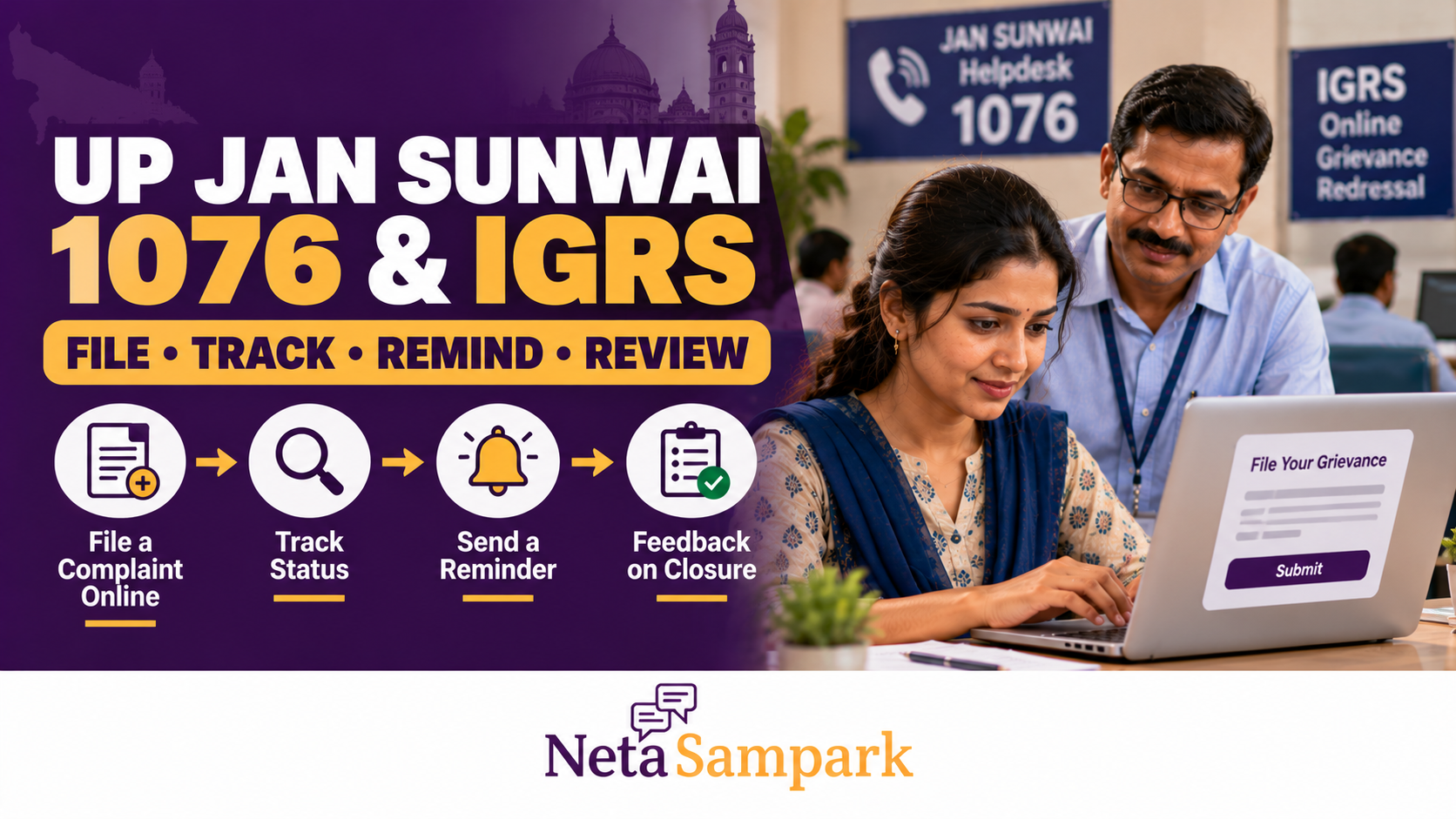
UP Jansunwai 1076 and IGRS: How to File a Complaint Online, Track It, Send a Reminder and Reopen a Bad Closure
A government office has not acted on your application. A municipal complaint remains unresolved. A pension-related grievance has been marked disposed of, but the actual problem continues. If you live in Uttar Pradesh, you can use the state government's Jansunwai–Samadhan portal, also known as the IGRS grievance-redressal system, to register eligible complaints, track their status, send reminders and provide feedback when a disposal is unsatisfactory.
You can also register a grievance through the Chief Minister's Helpline at 1076. The most important thing to understand is that a complaint marked “disposed” is not necessarily a problem solved. If the response does not address your issue, use the portal's feedback mechanism and explain what remains unresolved.
Official portal: Jansunwai–Samadhan, Uttar Pradesh
This guide explains how to use the system, what information to keep ready, how to follow up and what to do when the response does not solve the problem.
What Are Jansunwai, IGRS and Helpline 1076?
These terms are connected, but they refer to different parts of Uttar Pradesh's public-grievance system.
- Jansunwai–Samadhan: The state government's online grievance portal for citizens.
- IGRS: The Integrated Grievance Redressal System, which brings grievances and their follow-up into a common platform.
- CM Helpline 1076: A telephone channel through which citizens can register grievances with the call-centre operator.
- Complaint tracking: The online facility for checking the status and recorded action on a registered grievance.
- Reminder and feedback: Separate facilities to follow up on a delayed complaint or report dissatisfaction with its disposal.
The state portal provides options to register a grievance, track a complaint, send a reminder and give feedback. It also states that feedback on the quality of disposal is evaluated by higher officials, who may regenerate a disposed complaint. Source: Official Jansunwai–Samadhan portal.
Before You File: Which Complaints Can Jansunwai Accept?
Jansunwai is intended for grievances concerning Uttar Pradesh government departments and public offices. Examples may include:
- A government office has not acted on an eligible application.
- A local civic problem has not been addressed by the responsible authority.
- A department has not provided a response to a service-related grievance.
- An eligible public-service complaint has been delayed or disposed of without a satisfactory resolution.
- You need to report a problem concerning the functioning of a state government office.
However, the portal expressly excludes certain subjects from its online citizen-grievance process. These include:
- Right to Information (RTI) matters
- Matters that are sub judice, or already before a court
- Suggestions rather than grievances
- Requests for financial assistance or a job
- Government employees' service matters, including transfers, unless the available departmental redressal options have first been used
Check the portal's declaration before submitting. If your matter falls within an excluded category, use the appropriate legal, departmental or statutory process instead. Source: Jansunwai–Samadhan official portal.
For a grievance concerning a Central Government organisation or another state government, the portal directs citizens to CPGRAMS, where applicable.
How to File a Jansunwai Complaint Online
<text size="sm" color="secondary">Official registration page: jansunwai.up.nic.in/onlineComplaint</text>
Step 1: Open the official portal
Visit Jansunwai–Samadhan and select Register Grievance or the equivalent complaint-registration option.
Make sure the address ends in up.nic.in. Avoid unofficial websites that ask for payment to register an ordinary grievance.
Step 2: Complete mobile verification
The online registration page uses mobile-number verification through an OTP and a security-code or CAPTCHA step.
Enter a mobile number you can access, complete the displayed verification and follow the portal's instructions to continue.
Keep the same registered mobile number available for tracking and follow-up. If you need to use another contact method, check the options available on the portal.
Step 3: Describe the grievance clearly
Select the appropriate department, category and subject offered by the form. Explain the problem in plain language.
Include the following details wherever relevant:
- The department or public office concerned
- The location, village, ward or district
- The date you first approached the office
- The application, receipt or earlier complaint number
- What action you requested
- What has happened so far
- What specific action you want the department to take
For example, instead of writing “My application is pending; please help,” explain when you applied, which office received it, the reference number and what response you have received.
Step 4: Attach relevant evidence
If the form provides an attachment option, include documents that help establish the facts.
Depending on your issue, these might include:
- A copy of your earlier application
- A receipt or acknowledgement
- A previous complaint reference
- A relevant official letter or notice
- Photographs of the reported civic problem
- A screenshot showing the current application status
Share only information necessary to explain the grievance. Avoid uploading unrelated personal documents or sensitive details.
Step 5: Review and submit
Before submitting, check the department, location, complaint description and supporting information.
Once the grievance is registered, save the reference or complaint number and the acknowledgement. Take a screenshot or keep a copy of the confirmation for future follow-up.
Do not assume that a complaint has been registered until the portal confirms it or provides a reference.
How to File a Complaint Through UP CM Helpline 1076
If you cannot conveniently use the online portal, you can call the Uttar Pradesh Chief Minister's Helpline at 1076 to register a grievance through the call-centre operator.
The state government's published helpline procedure explains that grievances registered through the call centre are forwarded to the relevant departmental officer for action. A reference number is issued after registration. Source: Uttar Pradesh government's CM Helpline order.
What to do during the call
- Dial 1076.
- Explain the issue to the call-centre operator.
- Identify the department or office involved, if known.
- Provide relevant dates, application details and previous complaint numbers.
- Ask for the complaint reference number.
- Note the number and retain any SMS acknowledgement.
If you already have a Jansunwai complaint, explain that it is a follow-up rather than presenting the same issue as an unrelated new grievance. Ask the operator how to record the continuing problem against the existing reference.
Calling 1076 is a registration and follow-up channel; it does not guarantee that every grievance will be resolved in your favour.
How to Track Your Jansunwai Complaint Online
After registration, use the official status-tracking facility to check what action has been recorded.
Open: Track Complaint Status
Tracking steps
- Open the complaint-tracking page.
- Enter the complaint or reference number.
- Enter the registered mobile number.
- Complete the displayed CAPTCHA or security verification.
- Verify the OTP if prompted.
- Review the status and the action recorded against the grievance.
The portal also provides a facility to retrieve complaint references associated with a registered mobile number or email, subject to verification.
A useful limitation to know: The official tracker states that details of disposed references can be viewed through the portal for up to three months before the current date. If an older disposed complaint is not visible, contact the portal's support channel or the relevant department for guidance. Source: Official complaint tracker.
What should you look for in the status?
Do not look only at whether the complaint is marked pending or disposed. Read the recorded action or disposal remarks, where available.
Ask yourself:
- Has the department addressed the exact issue raised?
- Does the response identify an action actually taken?
- Does it refer to a field visit, inspection, payment, correction or other verifiable step?
- Has the department explained why it cannot provide the requested remedy?
- Does the underlying problem still exist?
A status update is useful information, but the quality of the response matters too.
How to Send a Reminder on Jansunwai
If the complaint has crossed the stipulated timeline and remains unresolved, the portal provides a Send Reminder facility.
Official page: Send Reminder on Jansunwai
Steps to send a reminder
- Open the reminder page.
- Enter your complaint number.
- Provide the registered contact details requested by the form.
- Complete the CAPTCHA or security check.
- Verify your identity using the OTP if prompted.
- Follow the instructions to submit the reminder.
The precise fields displayed can change, so follow the current portal form.
What should your reminder say?
Keep it factual and specific. Mention:
- The original complaint number
- The date the grievance was registered
- The issue that remains unresolved
- Any action recorded by the department
- Why that action has not resolved the problem
- The specific follow-up you are requesting
For example:
“My grievance, reference number [reference number], concerns [brief issue]. Although it was registered on [date], the underlying problem remains unresolved. The recorded action does not address [specific outstanding point]. Kindly review the matter and communicate the action taken.”
Replace the placeholders with your actual details. Avoid adding allegations that you cannot support.
Does sending a reminder automatically escalate the complaint?
No. A reminder is a follow-up mechanism, not a guarantee of escalation or a particular outcome. Keep the reminder acknowledgement, continue to monitor the status and use the feedback facility if the complaint is disposed of without a satisfactory resolution.
Complaint Marked “Disposed” but Nothing Changed? How to Challenge a Bad Closure
This is one of the most important features to understand in the Jansunwai system.
A complaint can be marked disposed of even when you believe the department has not addressed the actual problem. The official portal provides a Give Feedback facility for citizens to comment on the quality of disposal. It says that higher officials evaluate this feedback and may regenerate disposed complaints. Source: Official Jansunwai–Samadhan portal.
Step 1: Read the disposal remarks
Open the complaint status page and examine the department's recorded response.
Identify the precise gap. For example:
- The response says action was taken, but the problem remains.
- The department's reply addresses a different issue.
- The response does not explain the decision.
- The complaint was marked resolved without the promised action being completed.
- The response contains factual errors that you can document.
Be specific. Simply writing “not satisfied” may communicate dissatisfaction, but explaining what remains unresolved gives reviewers more useful information.
Step 2: Use the Give Feedback option
Visit the official Jansunwai portal and select Give Feedback or the corresponding feedback option.
Follow the on-screen instructions to identify the grievance and submit your assessment of its disposal. Keep the original complaint number and any evidence that supports your feedback.
The portal's published description confirms that feedback on disposal quality is evaluated by higher officials and that they may regenerate a disposed complaint. This does not mean every negative feedback submission automatically reopens a grievance; the outcome depends on the review. Official portal.
Step 3: Explain exactly why the closure is unsatisfactory
Use a short, evidence-based explanation.
For example:
My grievance reference number [reference number] was marked disposed of on [date]. However, the original problem concerning [specific issue] remains unresolved. The disposal remarks state [brief summary of response], but they do not address [specific outstanding point]. I request a review of the disposal and verification of the action taken. Supporting documents are available for examination.
Use only statements that accurately describe your case. If the department has completed part of the work, acknowledge that and explain what remains outstanding.
Step 4: Ask for a review, not just another status update
Your feedback should make clear what you want reviewed.
Depending on the case, you might request:
- Verification of the action recorded by the department
- A site inspection or examination of supporting documents
- Correction of inaccurate disposal remarks
- Completion of an outstanding action
- Review by the appropriate supervisory officer
The department may still decide that the requested remedy is unavailable or that the complaint falls outside its jurisdiction. The purpose of the feedback is to seek a reasoned review, not to guarantee a particular decision.
Step 5: Preserve the paper trail
Keep copies of the original complaint, disposal remarks, feedback submission and subsequent correspondence.
If the issue is still unresolved, contact the relevant department or supervisory office and refer to the original grievance number. For matters involving a statutory entitlement, a legal deadline or a separate appeal process, use that specific procedure as well. Do not assume that Jansunwai feedback extends a legal limitation period.
What If You Cannot Track the Complaint or Send a Reminder?
Try these steps before registering another complaint:
- Check that the reference number is entered correctly.
- Use the mobile number associated with the original registration.
- Complete the current CAPTCHA and OTP verification steps.
- If the complaint is old, remember that the online tracker limits visibility of disposed references to the previous three months.
- If the problem continues, contact the portal's support channel or the department handling the grievance.
The official FAQ lists these contact email addresses for portal-related problems:
jansunwai-up@gov.injansunwaiup2016@gmail.com
The FAQ advises complainants to describe the problem and, where relevant, include the department or office name and the nodal officer's contact details. Source: Official Jansunwai FAQ.
Never send your OTP or account password in an email. Include only the information needed to identify and explain the technical or grievance-related problem.
How to Write a Strong Government Grievance
A well-structured complaint makes it easier for the receiving office to understand what happened and what action you are requesting.
Use this simple structure:
Subject: Complaint regarding [specific issue] in [village, ward, office or district]
Details:
- What happened: Describe the problem factually.
- When it happened: Give the relevant dates.
- Where it happened: Identify the location or office.
- Earlier action: Mention applications, visits or previous complaint references.
- Evidence: List the documents attached, if any.
- Requested action: State what you want the department to examine or do.
Avoid insults, threats, unsupported accusations and long unrelated narratives. If you are reporting a serious allegation, distinguish what you personally witnessed from what you have heard from others.
Jansunwai vs CPGRAMS: Which Portal Should You Use?
| Your grievance concerns | Appropriate starting point |
|---|---|
| A Uttar Pradesh state government department or public office | UP Jansunwai–Samadhan |
| A Central Government organisation | CPGRAMS, where applicable |
| Another state's government department | The relevant state's official grievance system |
| An RTI request or a matter already before a court | The applicable RTI or judicial process, not an ordinary Jansunwai grievance |
| A matter with a statutory appeal or other prescribed remedy | The relevant statutory or departmental procedure |
The correct channel depends on which authority is responsible and the nature of the grievance. Filing on a portal that does not handle your issue may delay a useful response.
Frequently Asked Questions
Is Jansunwai the same as IGRS?
Jansunwai–Samadhan is Uttar Pradesh's public-facing grievance portal, and IGRS refers to the Integrated Grievance Redressal System. The terms are commonly used together for the state's grievance-registration and monitoring process.
What is UP CM Helpline 1076 used for?
The helpline allows citizens to register grievances through a call-centre operator. Note the reference number provided and use it for tracking and follow-up.
Can I file a complaint online without visiting a government office?
Yes. The official portal provides online grievance registration with mobile OTP verification. Whether additional documents or an in-person process are needed depends on the issue and the responsible department.
How can I track my complaint?
Use the official complaint tracker. Enter the complaint number and registered mobile number, complete the requested verification and review the available status information.
Can I send a reminder if the complaint is pending?
Yes. Jansunwai provides a reminder facility for grievances that have not been resolved within the stipulated timeline. Use the official reminder page and follow its verification steps.
How can I reopen a complaint that was wrongly closed?
Use the portal's Give Feedback facility to explain why the disposal is unsatisfactory and identify the outstanding issue. Higher officials may regenerate the disposed complaint after reviewing the feedback, but reopening is not automatic or guaranteed.
What if my disposed complaint is too old to appear in the tracker?
The official tracker states that it displays disposed references only for the preceding three months. Contact the portal's support channel or the relevant department for help accessing older records.
Does registering a Jansunwai complaint guarantee a solution?
No. Registration creates a grievance record and enables follow-up, but the outcome depends on the facts, the department's authority and the applicable rules. For statutory claims or legal disputes, follow the relevant formal remedy as well.
The Bottom Line
Uttar Pradesh's Jansunwai–Samadhan system gives citizens a way to register eligible grievances, track departmental action and follow up without relying entirely on repeated office visits.
Remember these four steps:
- Register: Submit a clear complaint through the official Jansunwai portal or call 1076.
- Track: Check the recorded status using your complaint number.
- Remind: Use the official reminder facility if the grievance crosses its stipulated timeline.
- Challenge a bad closure: Submit specific feedback explaining what remains unresolved and request a review.
Keep your reference number, acknowledgements and supporting evidence together. Most importantly, do not treat a “disposed” status as proof that the underlying problem has been solved. Check the recorded action, provide factual feedback where needed, and use the appropriate departmental or statutory remedy if the issue remains unresolved.