
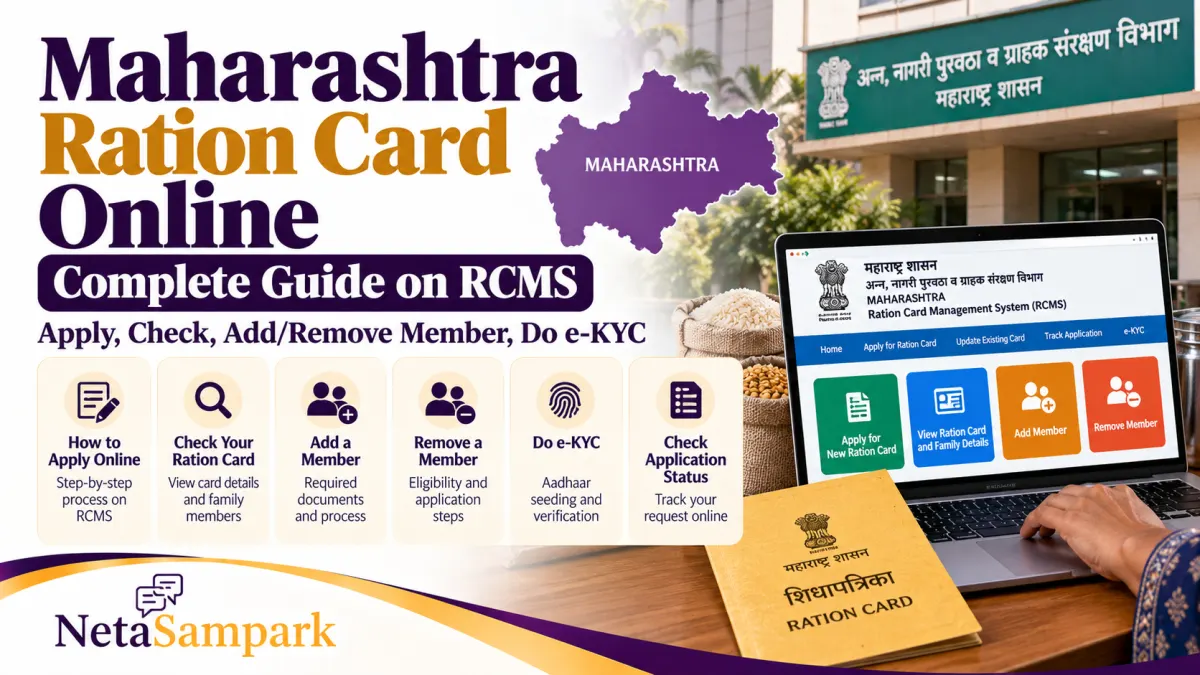
Need a new ration card in Maharashtra, want to check your family members’ names, or update details after marriage or a change of address? You can start many ration-card services online through the Maharashtra government’s Ration Card Management System (RCMS).
Official portal: rcms.mahafood.gov.in
Department website: Maharashtra Food, Civil Supplies and Consumer Protection Department
1 How to apply for a new Maharashtra ration card online
Keep your Aadhaar details, mobile number, address proof and family information ready before starting.
- Open the RCMS portal.
- Select Public Login and register as a new user if you do not already have an account.
- Sign in and look for the new ration-card application option.
- Enter your personal details, address and family members’ information.
- Upload the documents requested by the portal and select the applicable ration-card category.
- Review everything carefully, submit the application and save the acknowledgement or application number.
- Use the portal to check progress and respond if the department asks for additional information.
Important: Submitting an application does not mean the ration card has been approved. The department may verify your documents and eligibility before issuing it.
2 How to check your ration card and family members’ names
If you already have a ration card, you can use the official RCMS website to look for card information and related services.
- Visit RCMS.
- Look for Know Your Ration Card or the relevant ration-card search option.
- Enter the details requested on the page, such as your ration-card number or other identifying information.
- Check the displayed card details and the names of the family members recorded against it.
The public portal also provides ration-card and beneficiary dashboards. If your card or a family member’s details do not appear, contact your local rationing office or the Supply Department rather than assuming the card has been cancelled.
3 How to add a family member to a ration card
You may need to add a newborn child, a spouse or another eligible family member.
- Log in to RCMS.
- Select the option for adding a name or modifying an existing ration card.
- Enter the new member’s details and relationship with the head of the family.
- Upload the documents requested for that case.
- Submit the application and keep the acknowledgement number.
Documents can vary depending on the reason for adding the member. For example, a child’s birth certificate or relevant family and identity documents may be required. If the person is already listed on another ration card, ask the Supply Department how to complete the transfer or deletion process correctly.
4 How to remove a member or correct details
Use the same RCMS portal for eligible changes to an existing card, including removing a member, correcting a name or changing the address.
Maharashtra’s department lists Form 8 for adding a name and Form 9 for removing a name among its ration-card application forms. You can find them on the official ration-card forms page.
You may be asked for supporting documents, such as updated identity details or a death certificate where a deletion is due to death. The exact requirements depend on the reason for the change.
Before submitting, check spellings, dates of birth, relationships and the ration-card number carefully. Incorrect details can delay verification.
5 How to complete ration-card Aadhaar e-KYC
Aadhaar e-KYC helps verify the identity of ration-card beneficiaries. If a member’s verification is incomplete, ask your fair price shop (ration shop) about the available authentication method.
Depending on the facility available, verification may use biometric authentication through the shop’s electronic point-of-sale device or an approved face-authentication process.
A practical checklist:
- Keep the member’s Aadhaar details available.
- Make sure the person is correctly listed on the ration card.
- Visit the fair price shop and ask the operator to check the member’s e-KYC status.
- Complete the available verification process and confirm whether it was successful.
- If authentication fails, ask about the official alternative or contact the local Supply Department.
You can also view Maharashtra’s official AePDS e-KYC status page. It displays e-KYC figures and is useful for checking the status information published by the department; it is not necessarily the page where an individual beneficiary completes verification.
Do not share your Aadhaar OTP or other sensitive authentication details with unauthorised agents.
6 How long does approval take?
Maharashtra’s published service information lists a 30-day notified timeline for issuing a new ration card. Some modifications have different timelines depending on the service and whether a home visit or additional verification is required.
Actual processing can take longer if documents are missing, verification is pending or the department asks you to correct an application. You can check the RCMS service dashboard for published application and processing figures.
If your application remains pending beyond the applicable service timeline, contact the designated rationing or Supply Department office and retain your application acknowledgement.
7 Official links and helpline
| Service | Official link |
|---|---|
| Apply for a new ration card or modify an existing one | RCMS portal |
| Check ration-card and beneficiary information | RCMS |
| Download addition/removal forms | Official forms page |
| Department services | Maharashtra Food Department |
| e-KYC status information | AePDS e-KYC status |
Ration-card helpline: 1800-22-4950 or 1967. These numbers are listed on the RCMS portal.
Frequently asked questions
Can I apply for a Maharashtra ration card online?
Yes. The state’s RCMS portal provides the online application service. Approval is subject to verification and eligibility.
Can I add or remove a name online?
The department lists name addition and deletion among its online ration-card services. Supporting documents may be required.
Can I check my family members’ names?
Use the card-information or search options available through the official RCMS portal. If details are missing or incorrect, contact the local Supply Department.
Is Aadhaar e-KYC the same as applying for a ration card?
No. Applying for a card, changing family details and completing beneficiary e-KYC are separate processes.
What should I do if my application is stuck?
Check the application status, look for requests for additional documents and contact the responsible rationing or Supply Department office with your acknowledgement number.
The safest approach: Use the official RCMS website, keep your application number and receipts, and confirm document requirements with the department if your case involves a transfer, deletion or eligibility change.