
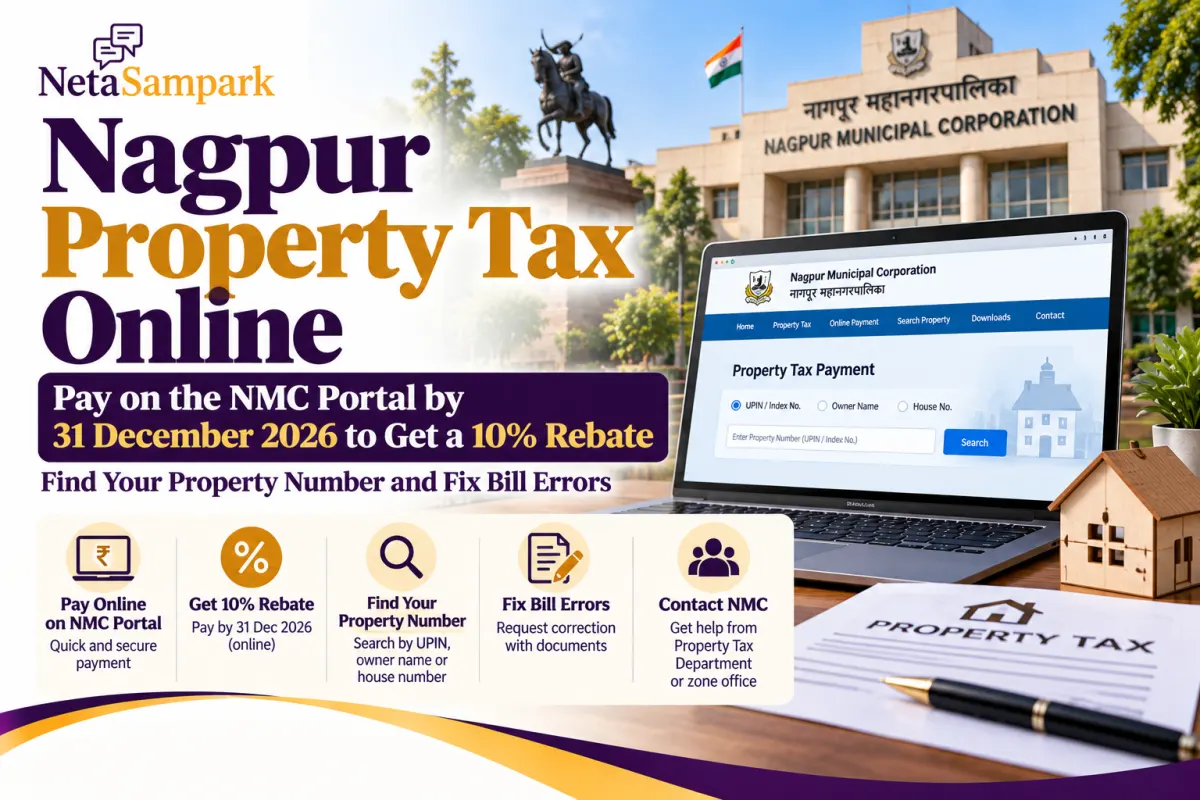
If you own a flat, house, shop or plot within Nagpur Municipal Corporation (NMC) limits, you can check your property tax and pay online without visiting a civic office.
For the 2026–27 financial year, reports on NMC’s rebate scheme say online payments made between 1 August and 31 December 2026 qualify for a 10% rebate, while payments at collection centres qualify for 5%. The rebate applies to eligible basic property tax, not necessarily every tax component on the bill. <Cite refs={["turn366211search0","turn366211search2"]}/>
1 Where to pay Nagpur property tax online
Use the official NMC website or its linked property-tax portal.
- NMC website: nmcnagpur.gov.in
- Direct property-tax portal: GeoCivic Citizen Portal
NMC confirms that property tax can be paid online through its website. <Cite refs={["turn366211search1"]}/>
Steps to pay
- Open the NMC website and select Property Tax or Pay Property Tax.
- On the GeoCivic portal, choose UPIN / Index No. to search for your property.
- Enter the property number and the displayed verification code, then select Search.
- If you do not know the number, try the Owner Name or House Number search option.
- Check the owner name, property address, current dues, arrears, penalties and rebate shown on the screen.
- Select online payment and complete the transaction through the payment gateway.
- Download the receipt and save the transaction reference.
Before paying, confirm that the property record belongs to you and that the amount shown matches your bill.
2 How to find your property number or UPIN
NMC uses a property identifier commonly shown as the UPIN or Index Number.
You can usually find it on:
- An earlier property-tax bill or demand notice
- A previous payment receipt
- Property-tax records available through the NMC portal
No old bill? Try searching through the portal using the owner’s name or house number. If the property still does not appear, contact the Property Tax Department at your NMC zone office with the full address and any old documents you have.
Do not confuse a property number with a flat number, electricity consumer number or water connection number.
3 How the 10% rebate works
The reported 2026–27 rebate schedule is:
| Payment period | Online payment | Collection-centre payment |
|---|---|---|
| Up to 31 July 2026 | 15% | 10% |
| 1 August–31 December 2026 | 10% | 5% |
The concession is reported to apply to eligible basic property tax, excluding government taxes included in the bill. Check the actual rebate displayed by the official portal before completing payment. <Cite refs={["turn366211search0","turn366211search2"]}/>
Deadline: If you want the reported 10% online rebate, complete payment by 31 December 2026. Do not wait until the final evening in case the portal or bank payment gateway is slow.
4 What if your property-tax bill is wrong?
Do not simply pay an incorrect bill without first checking how to raise the issue. Common errors include:
- Wrong owner name or property address
- Incorrect carpet area or property type
- Duplicate property records
- Tax showing as unpaid even after payment
- Incorrect arrears or penalty
- Missing rebate or an incorrect assessment
NMC says property-tax assessment considers factors including carpet area, property use, construction type and the applicable ready-reckoner value. <Cite refs={["turn366211search1"]}/>
How to request a correction
- Keep a copy of the bill and note the UPIN or Index Number.
- Collect supporting records, such as the sale deed, previous tax receipts, approved area details or payment confirmation.
- Contact the NMC Property Tax Department or the relevant zone office.
- Explain the error and request a correction to the assessment or payment ledger, as applicable.
- Keep the complaint or acknowledgement number and follow up until the record is updated.
If your payment has been debited but the receipt has not appeared, first check the transaction status and bank reference. Avoid paying again immediately, as this may create a duplicate payment.
5 NMC property-tax contact details
For property-tax questions, the NMC Property Tax Department lists the following contacts:
- Department office: 0712-2739010, extension 206
- Department contact: 0712-2567035
- Property Tax Department officer listing: NMC official page
- NMC website: nmcnagpur.gov.in
NMC has ten zonal offices that handle property-tax matters. If the issue concerns the assessment of your specific property, the relevant zone office may be the best place to start. <Cite refs={["turn366211search3","turn366211search0"]}/>
Frequently asked questions
Can I pay Nagpur property tax using my mobile phone?
Yes. Open the official NMC property-tax portal in your mobile browser, search for your property and follow the online payment steps.
What if I cannot find my UPIN?
Try searching by owner name or house number. If the record is still missing, contact the relevant NMC zone office.
Is the 10% rebate available for offline payments too?
Reports indicate that the rebate for payments at collection centres during August–December is 5%, compared with 10% online. Confirm the applicable concession on your bill or the official portal. <Cite refs={["turn366211search0","turn366211search2"]}/>
What if my property-tax payment fails?
Check your bank transaction status and the portal before trying again. Keep the transaction reference and contact NMC if the payment is debited but not reflected.
Can I dispute an incorrect assessment?
Yes. Contact the Property Tax Department or your zone office with the property identifier, bill and supporting documents, and request a review.
Before you pay
Check the property number, owner details, outstanding amount and rebate shown on the official NMC portal. Pay online by 31 December 2026 if the displayed bill confirms that you qualify for the reported 10% concession, and keep the receipt for your records.