
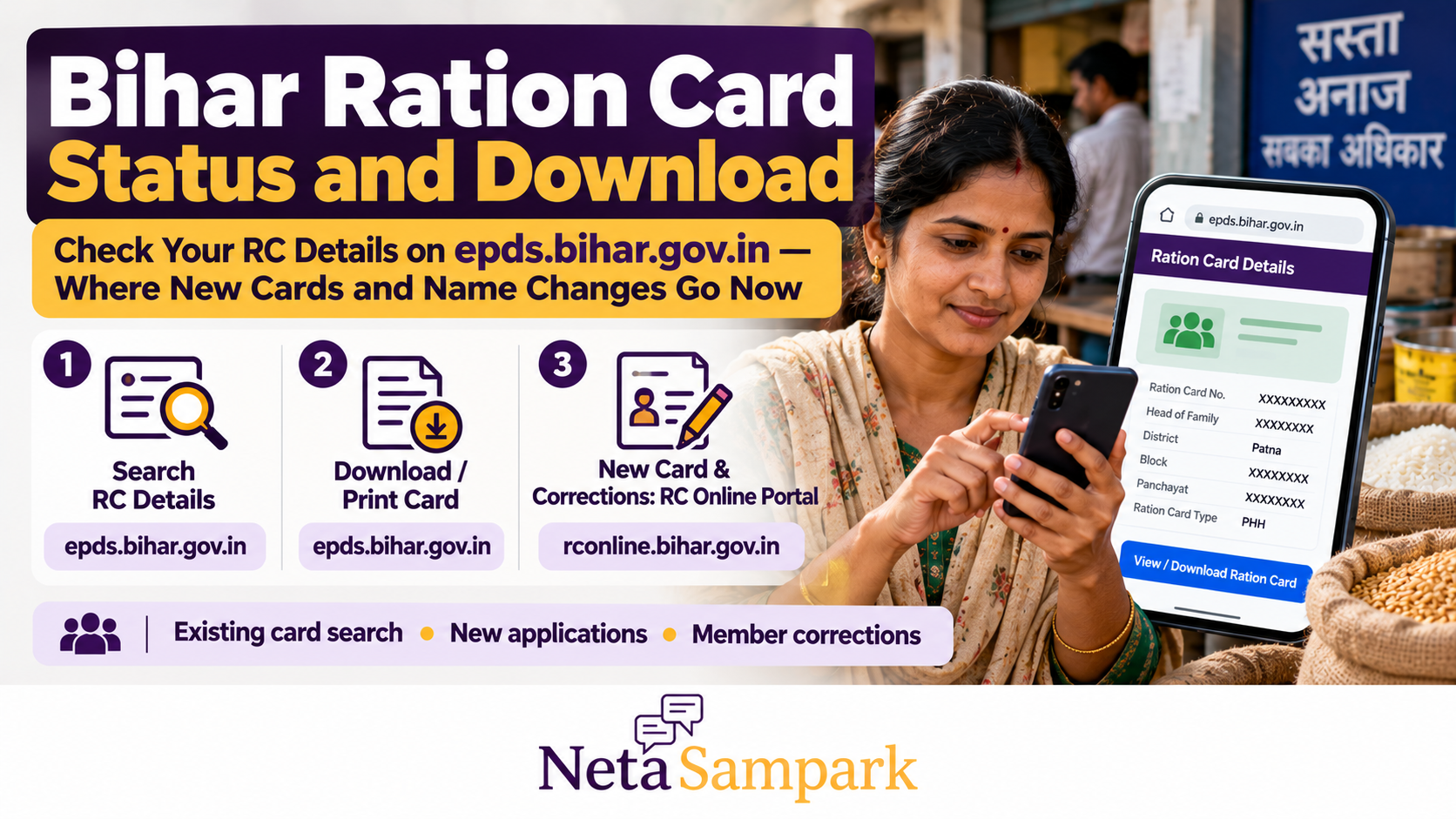
Bihar Ration Card Status and Download: Check Your RC Details on epds.bihar.gov.in — and Where New Cards and Name Changes Go Now
Need to check your Bihar ration card details, download or print a copy, apply for a new card, or add a family member? Bihar's Food and Consumer Protection Department provides separate online services for existing ration card records, new applications and corrections.
The most important distinction is this: use the EPDS Bihar portal to search existing ration card details, and the Bihar RC Online portal for new ration card applications and supported correction services. Choosing the correct portal can save you time and help you avoid submitting a duplicate application.
This guide explains how to check your ration card details, find the download option, track a new application and request changes to an existing card.
Official Bihar Ration Card Websites
Use these government websites for the relevant service.
- Existing ration card search and details: EPDS Bihar
- New ration card applications and supported corrections: Bihar RC Online
- Bihar ServicePlus / RTPS: serviceonline.bihar.gov.in
- Food and Consumer Protection Department: Bihar Government
The EPDS website describes its Ration Card Management System, also known as Jan Vitran Ann (JVA), as the system used to create and modify ration cards for eligible families under the National Food Security Act. Its services include new card creation, existing-card modification, family splitting and changes to the head of the family. <escape>Official EPDS Bihar information</escape>
How to Check Your Bihar Ration Card Status Online
If you already have a ration card, start by searching the official EPDS database.
Step 1: Open the ration card search page
Visit the Search Your Ration Card page.
Step 2: Select rural or urban
Choose the appropriate option for your area. The portal provides separate choices for rural and urban ration card searches.
Step 3: Select your district
Choose the district associated with your ration card record.
Step 4: Enter the ration card number
Enter the card number requested by the portal and submit the search.
Important for urban ration cards: The official search page notes that an urban ration card number has 21 digits, but users should enter 20 digits for the search by omitting the ninth digit. Follow the instructions displayed on the official page for your card type.
Step 5: Review your ration card details
If a matching record is found, check the displayed details, including the ration card number, card type, cardholder's name, address and family-member information where available.
Verify that the record belongs to your household before downloading or printing anything.
How to Download or Print Your Bihar Ration Card
Once you have located the correct record, look for the available card-printing or download option.
Step 1: Open the EPDS Bihar homepage
Go to epds.bihar.gov.in.
Step 2: Select the card-printing service
Look for RC-PRINT or the relevant ration card printing option on the portal.
You can also check the official RC Details page, which provides access to ration card information and related services.
Step 3: Search for your card
Enter the required details and locate your household record.
Step 4: Open the matching record
Check the cardholder's name, ration card number and other available information.
Step 5: Print or save the card
If the portal provides a printable record, use your browser's print option to print it or save it as a PDF.
Keep the downloaded copy in a secure location. If the portal does not display a print option for your record, contact the department or use the relevant official service rather than downloading a file from an unofficial website.
Note: The exact screen and download option may change as the portal is updated. Follow the current instructions displayed by the government website.
Where to Apply for a New Bihar Ration Card
If your household does not have a ration card and you believe it meets the eligibility requirements, use the official Bihar RC Online portal.
Visit: rconline.bihar.gov.in
The portal provides an online process for new ration card applications.
How to apply
- Open the Bihar RC Online portal.
- Follow the registration or sign-in process displayed.
- Use the required mobile number and authentication method.
- Open the new ration card application service.
- Enter the household and family-member details accurately.
- Provide the requested documents and declarations.
- Review the application before final submission.
- Submit the form and save the acknowledgement or application reference.
- Use the portal's application-status facility to track progress.
The official portal states that applicants should complete final submission within 30 days of starting the application process. Otherwise, they may need to enter their family details again, although they do not necessarily need to register from scratch. Check the current portal instructions before beginning an application. <escape>Bihar RC Online</escape>
What documents may be needed?
The portal may request information or supporting documents relating to household members, identity, address and eligibility. Requirements can depend on the application and the circumstances of the household.
Prepare the documents requested by the live form rather than relying on an old checklist circulating online.
Submitting an application does not guarantee approval. The responsible authorities must verify eligibility and process the application under the applicable rules.
How to Add a Family Member or Correct an Existing Ration Card
If your household already has a ration card, you may not need to apply for a completely new one.
Bihar's official RC Online system provides a correction process for existing ration cards, including supported member addition, modification and deletion requests.
Visit the Bihar RC Online portal and look for the relevant existing-card correction service.
Adding a family member
If a family member needs to be added, follow the correction process and provide the information and supporting documents requested.
Before applying, check whether the person is already listed on another ration card. Duplicate or inconsistent records may require clarification by the authorities.
Correcting a name or personal detail
If a name, relationship or other detail is incorrect, use the applicable correction option.
Check the spelling and supporting documents carefully before submitting the request. Keep the acknowledgement for future reference.
Deleting a family member
If a member must be removed because of a change in household circumstances, follow the official correction process and provide the required information.
Do not use an informal agent or an unofficial website to make changes to a government record.
Changing the head of the family
The EPDS system describes a facility for changing the head of the family. Check the current RC Online instructions to determine the appropriate application route and supporting documents.
Splitting a ration card
The official system also describes a process for creating a new card when a family splits. The applicant must follow the applicable procedure and meet the relevant conditions.
A family split is not the same as applying for a duplicate copy of an existing card. Ask the department which process applies to your circumstances.
How to Track a New Ration Card Application
If you have submitted a new application, use the Bihar RC Online portal to check its status.
- Visit rconline.bihar.gov.in.
- Look for the application-status option.
- Enter the application or reference details requested.
- Review the displayed status and any pending instructions.
- Save the status information for your records.
If the status is unclear or no result appears, verify that you have entered the correct reference details. You can also use the portal's help or contact the relevant local office.
A submitted application is not the same as an approved ration card. Wait for the official decision and check the generated card details once the application has been processed.
What If Your Ration Card Is Not Showing Online?
A missing search result does not automatically mean that your ration card has been cancelled.
Try these checks first:
- Confirm that you selected the correct rural or urban option.
- Check the district selection.
- Verify the ration card number.
- For urban cards, follow the portal's instruction to omit the ninth digit when searching.
- Try the relevant search facility on the official EPDS portal.
- If the card was recently issued or modified, check whether the updated record has been published.
If the record is still missing, contact the Food and Consumer Protection Department or the appropriate local ration-card office.
Keep your previous ration card, application acknowledgement or other relevant record available when requesting assistance.
What If Your Name Is Missing From the Ration Card?
If your name does not appear in the household record, first determine whether the problem is a data-entry error, an incomplete update or an eligibility issue.
You can then:
- Check the card details on the EPDS portal.
- Review the existing-card correction service on RC Online.
- Identify the supporting documents requested for the relevant change.
- Submit the correction request through the official process.
- Save the acknowledgement and follow up if the record is not updated.
If the issue concerns eligibility or a disputed deletion, ask the responsible authority for the reason and the applicable remedy. Do not assume that submitting a new application will automatically correct an existing record.
Where to Get Help With Bihar Ration Card Services
The Bihar Food and Consumer Protection Department publishes the following contact information on its official website:
- Helpline: 1800-3456-194
- Email: foodbihar@gmail.com
- Department location: Old Secretariat, Patna, Bihar
Official portals:
When contacting the department, explain whether you need to search an existing card, download a copy, track a new application or correct a family-member record. Keep your card or application reference ready, but do not post Aadhaar numbers or other sensitive personal information publicly.
Frequently Asked Questions
Can I check my Bihar ration card without visiting an office?
Yes. You can search existing ration card records through the official EPDS portal, provided you have the information required by the search facility.
Is EPDS Bihar the same as the RC Online portal?
They are related government services but serve different functions. EPDS provides existing ration card search and management-system services. RC Online provides the online process for new applications and supported correction requests.
Can I download my ration card online?
If your record is available and the portal provides a printable card or record, you can use the official printing option and save it as a PDF. The exact option may depend on the record and current portal design.
Can I add my wife's or child's name to my ration card online?
The official Bihar RC Online system provides a correction process that includes supported family-member additions. Follow the current form instructions and submit the required documents. Approval depends on verification and applicable eligibility rules.
What should I do if I forgot my application number?
Check any acknowledgement or message received when you submitted the application. If you still cannot retrieve it, use the portal's available status or support process, or contact the relevant department.
Does submitting a ration card application guarantee subsidised food grains?
No. The application must be processed and approved under the applicable eligibility rules. Entitlements depend on the approved card and the relevant public distribution system provisions.
Final Checklist
Before you finish your Bihar ration card task:
- Use EPDS Bihar to search your existing card.
- Verify the district, card number and family details.
- Use the official printing option if you need a copy.
- Use RC Online for a new application or supported correction.
- Complete the application and final submission within the portal's stated timeline.
- Save your application acknowledgement and track the status.
- Contact the department if your record is missing or the displayed information is incorrect.
The simplest way to avoid confusion is to start with the correct government portal. EPDS Bihar is the place to search existing ration card details; Bihar RC Online is the route to check for new applications and supported changes to an existing card. Always follow the latest instructions shown on the official website.
Official resources
- EPDS Bihar: https://epds.bihar.gov.in/
- Search Your Ration Card: https://epds.bihar.gov.in/SearchByRCID.aspx
- RC Details: https://epds.bihar.gov.in/SummaryReportHomePage.aspx
- Bihar RC Online: https://rconline.bihar.gov.in/
- Bihar ServicePlus / RTPS: https://serviceonline.bihar.gov.in/login.do