
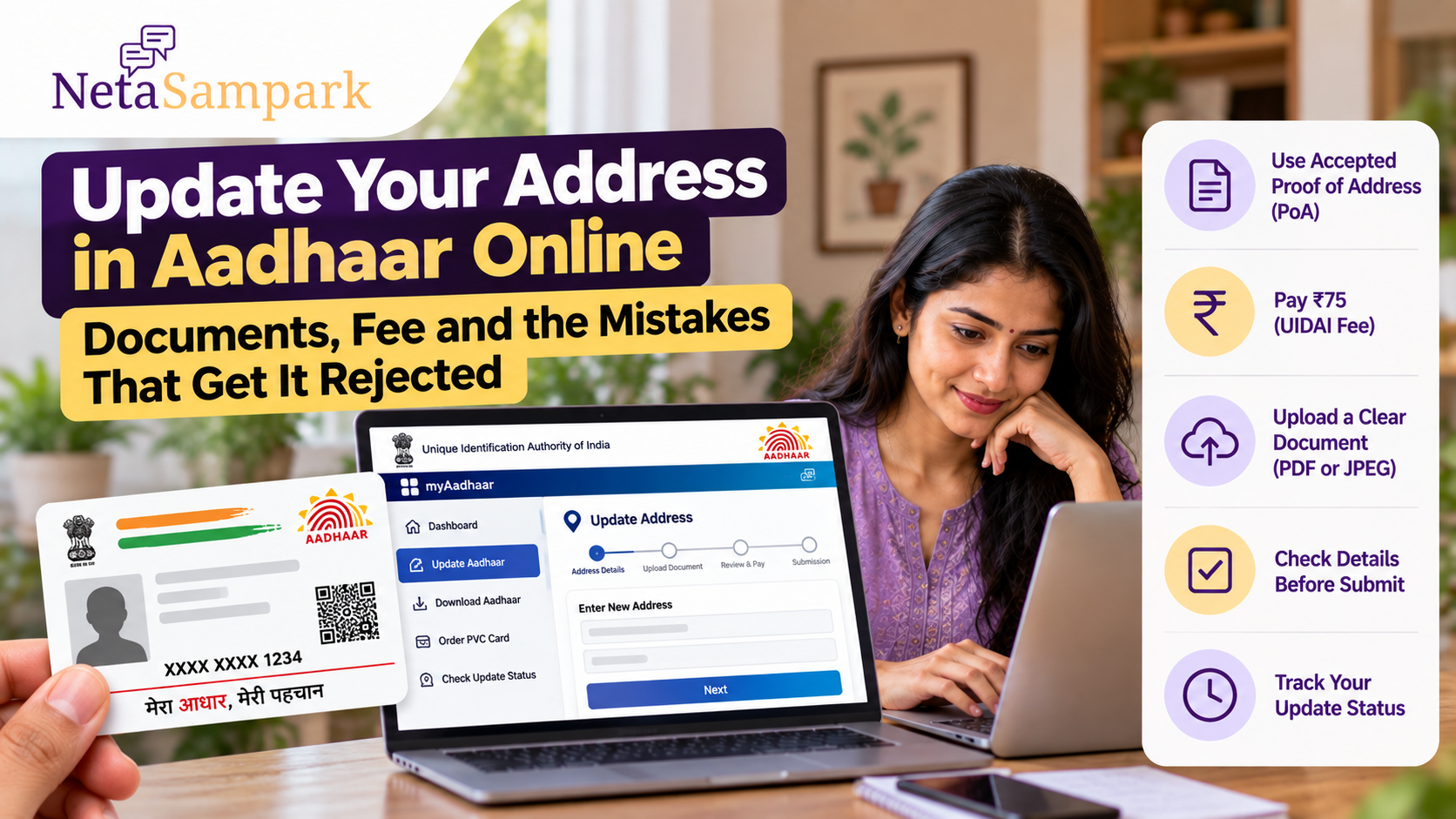
If you have moved to a new home, changed your permanent address or need your Aadhaar record to reflect your current residence, you can update the address online through the UIDAI myAadhaar portal.
The online service requires your Aadhaar-linked mobile number for authentication and a valid Proof of Address (PoA) document. UIDAI says the uploaded document is subsequently verified against the address you have requested. UIDAI
As of October 2026, UIDAI's current service information shows an ₹75 fee for Aadhaar address update. UIDAI
The most common problems are not with the online form itself. They happen when the document is not acceptable, is not in the applicant's name, does not match the address entered, or is uploaded as an unclear scan.
Can You Update Your Aadhaar Address Online?
Yes.
UIDAI currently allows Aadhaar holders to submit an address-update request through myAadhaar.
For the online process, your mobile number must be registered with Aadhaar because you need OTP-based authentication. You then upload an acceptable Proof of Address document and submit the new address for verification. UIDAI
If your registered mobile number is not available or you need a service that is not supported online, you can visit an Aadhaar Enrolment/Update Centre. UIDAI
How Much Does Aadhaar Address Update Cost?
UIDAI's current My Aadhaar service page lists the address-update service at ₹75. UIDAI
The same ₹75 charge applies when demographic information such as address is updated separately at an Aadhaar centre. UIDAI
Be careful with older articles quoting ₹50. UIDAI's current service information has been updated, so check the amount displayed on the official portal before making payment.
What Documents Can You Use?
You need a valid Proof of Address (PoA) document from UIDAI's accepted-document list.
Common examples include:
- Aadhaar-related accepted documents
- Voter ID
- Indian passport
- Ration card
- Electricity bill
- Water bill
- Gas bill
- Telephone, post-paid mobile or broadband bill
- Bank or Post Office passbook with the required details
- Property tax receipt
- Registered or valid rent/lease/leave-and-licence agreement
- Sale agreement or gift deed
- Certain government-issued allotment documents
- Other documents specifically included in UIDAI's accepted-document list
UIDAI's current list specifies validity periods for some documents. For example, electricity, water, telephone/mobile/broadband and gas bills used as address proof must generally be not more than three months old, while a property-tax receipt must generally be not more than one year old. UIDAI
Do not assume that every document showing your address will automatically be accepted. Check the current UIDAI document list before submitting your application.
The Document Should Usually Be in Your Name
This is one of the most important checks.
UIDAI specifically says an online address-update request can be rejected when the Proof of Address document is not in the name of the Aadhaar holder making the request. UIDAI
For example, if you are living in a rented house but the electricity bill is in your landlord's name, uploading that bill as though it were your own address proof can cause problems.
If you do not have an address document in your own name, look at the Head of Family (HoF)-based address update option instead of uploading someone else's document as your own.
What Is Head of Family (HoF) Address Update?
UIDAI provides an option to update an Aadhaar address using the address of an eligible family member.
For HoF-based address update, the relationship between the applicant and the Head of Family has to be established using the prescribed process and supporting document. The current Aadhaar regulations specify eligible relationships including mother, father, legal guardian, spouse, child/ward or sibling for HoF-based address update. UIDAI
UIDAI's Aadhaar app also currently supports address update using a family member's Aadhaar, with the HoF required to approve the request. UIDAI
This can be particularly relevant when someone lives with a family member but does not have a utility bill, rent agreement or other address document in their own name.
How to Update Your Address Online
Step 1: Open myAadhaar
Use the official UIDAI myAadhaar portal.
Sign in using your Aadhaar number and the OTP sent to your registered mobile number. UIDAI
Step 2: Select Address Update
Choose the address-update service and begin the request.
Step 3: Enter Your New Address Carefully
Enter the address exactly as it should appear on your Aadhaar.
Pay particular attention to:
- House/flat number
- Building name
- Street/locality
- Village/town/city
- District
- State
- PIN code
Do not rush through this section.
Step 4: Upload the Address Proof
Select the appropriate document type and upload a scan or image of the document.
UIDAI's online process supports document uploads in formats such as PDF or JPEG, with specific upload requirements shown during the service. UIDAI
For documents such as passports, rent agreements and property agreements, UIDAI notes that multiple pages may need to be uploaded. UIDAI
Step 5: Check the Preview
Before submitting, carefully compare the address you entered with your supporting document.
This is where many avoidable errors can be caught.
Step 6: Pay the Fee
Complete the applicable online payment.
UIDAI's current My Aadhaar page lists ₹75 for address update. UIDAI
Step 7: Save Your SRN
After successful submission, UIDAI generates a Service Request Number (SRN).
The SRN is displayed after submission and is also sent to your registered mobile number. UIDAI advises applicants to download the invoice containing the SRN and other request details. UIDAI
Save it until your updated Aadhaar is available.
The Mistakes That Can Get Your Request Rejected
1. The document is not on UIDAI's accepted list
Just because a document contains your address does not necessarily make it acceptable for Aadhaar address update.
UIDAI maintains a specific list of acceptable supporting documents. UIDAI
Check the document category before uploading it.
2. The document is in someone else's name
This is one of the reasons UIDAI explicitly lists for rejection.
If the document belongs to your spouse, parent, landlord or another person, do not simply upload it as your own PoA. UIDAI
Consider whether the HoF-based address-update route applies to your situation.
3. The address you entered does not match the document
UIDAI specifically identifies a mismatch between the address entered in the request and the address shown on the Proof of Address as a rejection reason. UIDAI
The addresses do not necessarily need to look identical word-for-word, but the document must support the address you are requesting.
Check:
- House number
- Locality
- City/town
- District
- State
- PIN code
before submitting.
4. The uploaded image is unclear
UIDAI says the uploaded document should be a clear, coloured scan of the original document. UIDAI
Avoid:
- Blurry photographs
- Cropped documents
- Glare covering important text
- Dark images
- Screenshots where the document is unreadable
- Images with missing pages
If the document has multiple pages, make sure all required pages are included.
5. You upload an expired or outdated document
Some Proof of Address documents have explicit age limits.
For example, UIDAI's current list specifies that electricity, water, telephone/mobile/broadband and gas bills should not be more than three months old, while property-tax receipts should not be more than one year old. UIDAI
Check the validity requirement for your particular document before uploading it.
6. You select the wrong document type
If you upload a rent agreement but select another document category in the application, the information can become inconsistent.
Select the document type that actually corresponds to the file you are submitting.
7. You enter the address incorrectly
A valid document will not help if you introduce a mistake while typing the new address.
Common examples include:
- Wrong PIN code
- Wrong house number
- Missing locality
- Incorrect district
- Typographical errors
- Selecting the wrong state
Review the complete address before payment.
What If You Are a Tenant?
Tenants can use an eligible rent, lease or leave-and-licence agreement where it meets UIDAI's accepted-document requirements.
UIDAI's current document list includes valid sale agreements/gift deeds and registered or unregistered rent, lease or leave-and-licence agreements as accepted Proof of Address documents. UIDAI
Before uploading one, check that the document is valid and that it supports the address you are entering.
If your rental agreement is in someone else's name, don't assume it automatically proves your residence. Check whether an HoF-based option or another accepted document is more appropriate.
What If You Live With Your Parents?
If you live at your parents' address but do not have a utility bill or other address document in your own name, the HoF-based address update route may be relevant.
UIDAI's current regulations allow HoF-based address updates for specified family relationships and require the appropriate relationship documentation. UIDAI
The Aadhaar app also provides an HoF route in which the family member must approve the request. UIDAI
Can You Update the Address Through the Aadhaar App?
Yes.
UIDAI's current Aadhaar app supports address update using your own document as well as an HoF-based address update.
For an own-document update, the app allows the user to upload the document, enter the new address, review the address in English and the local language, complete the required authentication and pay the applicable fee. UIDAI currently states that the app address-update fee is ₹75. UIDAI
If you prefer a browser, you can use the myAadhaar portal.
What If Your Registered Mobile Number Is Not Working?
Online Aadhaar services require access to the mobile number registered with Aadhaar for OTP authentication. UIDAI
If you no longer have access to that number, or if a mobile number has never been registered with your Aadhaar, UIDAI says you need to visit an Aadhaar Enrolment/Update Centre for the applicable service. UIDAI
Do not give your Aadhaar OTP to another person to complete the update for you.
How Long Does an Address Update Take?
Submitting the request does not mean that the address is changed instantly.
UIDAI first processes and verifies the request and supporting document.
You can track the request using the SRN generated after online submission. UIDAI
Keep checking the official status until the request is completed.
What If Your Request Is Rejected?
First, read the reason given for rejection.
If it says the document is invalid, check:
- Is the document on UIDAI's accepted list?
- Is it in your name?
- Does the address match?
- Is the document still within its validity period?
- Is the uploaded image clear?
- Did you upload all required pages?
Correct the problem and submit a fresh request where appropriate.
Do not repeatedly upload the same rejected document without identifying what caused the rejection.
Your Aadhaar Number Will Not Change
Updating your address does not create a new Aadhaar number.
UIDAI confirms that the Aadhaar number remains the same after an update. UIDAI
The update changes the demographic information associated with your existing Aadhaar record.
Aadhaar Address Update Checklist
Before pressing Submit, check all of these:
- Registered mobile: Can you receive the Aadhaar OTP?
- Correct service: Are you updating the address rather than another demographic field?
- Accepted document: Is your PoA on UIDAI's current list?
- Your name: Is the document in your name?
- Current address: Does the document support the address you entered?
- Document validity: Is it within the applicable validity period?
- Image quality: Is the scan clear, complete and readable?
- Multiple pages: Have you included every required page?
- Address spelling: Did you check the house number, locality, district and PIN code?
- Payment: Does the portal show the applicable ₹75 fee?
- SRN: Have you saved the Service Request Number after submission?
The Bottom Line
Updating your Aadhaar address online is straightforward when the address, document and applicant details all line up.
The current UIDAI process allows address updates through myAadhaar, requires a registered mobile number for online authentication, and charges ₹75 for the service. UIDAI
The biggest rejection risks are also clear: an unacceptable Proof of Address, a document in somebody else's name, an address mismatch, or an unclear uploaded scan. UIDAI
Before applying, check UIDAI's latest accepted-document list, upload a clear copy of the correct document, carefully compare the address you enter with the document, and save your SRN after submission.