
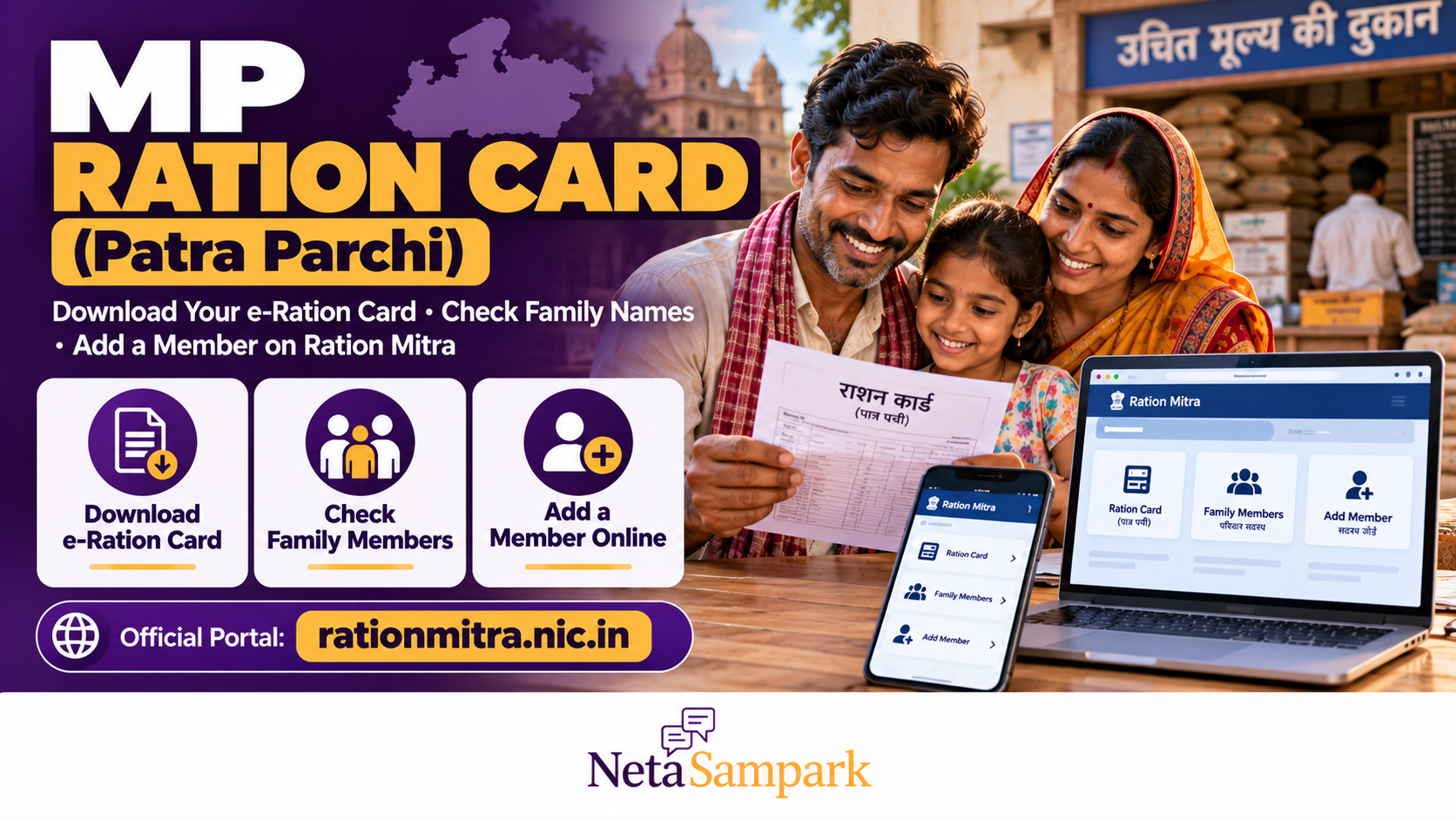
MP Ration Card (Patra Parchi): How to Download Your e-Ration Card, Check Your Family’s Names and Add a Member on Ration Mitra
If you live in Madhya Pradesh and receive subsidised food grains through the Public Distribution System (PDS), your family’s Patrata Parchi (पात्रता पर्ची) is an important document. It records your household’s ration eligibility and the family members linked to it.
You do not necessarily need to visit a government office just to check your family details. The Madhya Pradesh Food, Civil Supplies and Consumer Protection Department provides online services through the Ration Mitra portal, including viewing family-member details, accessing the eligibility slip, completing Aadhaar-related verification and applying to add or remove a family member.
This guide explains how to download your e-ration card, verify the names on your family’s list, add a newborn or another eligible household member, and follow up if the details are incorrect.
1 What is an MP Ration Card or Patrata Parchi?
In Madhya Pradesh, the document commonly called a ration card is associated with the family’s eligibility slip, or Patrata Parchi.
The state issues this document to eligible households under its food-security arrangements, including the Mukhyamantri Annapurna Yojana and the Public Distribution System.
The slip helps identify the household and its members for ration-related benefits. The quantity and type of food grains available depend on the household’s approved category, eligibility and applicable government rules.
The Ration Mitra system allows beneficiaries to view relevant information about their family, ration shop and eligibility details.
Important: Having a Samagra Family ID does not automatically mean that a household qualifies for subsidised ration. Eligibility under the applicable food-security rules must also be established.
2 Official website to download your MP e-Ration Card
Use the Madhya Pradesh government’s Ration Mitra portal:
Open the official Ration Mitra portal
You can also find information about the system through the Madhya Pradesh Food Security Portal pages published by district administrations.
Before entering personal information, check that you are using the official government website. Avoid unofficial websites that request payment or unnecessary identity documents to download a ration slip.
3 How to download your Patrata Parchi online
Keep your Samagra Family ID and the relevant family-member details ready before starting.
Step 1: Open Ration Mitra
Visit rationmitra.nic.in and look for the eligibility-slip or Patrata Parchi download option.
Portal labels may change, so look for wording such as “पात्रता पर्ची डाउनलोड करें” or the equivalent eligibility-slip service.
Step 2: Enter your family details
Follow the fields displayed on the portal. Depending on the service, you may be asked for details such as:
- Samagra Family ID.
- Member ID of a person in the family.
- Registered mobile number.
- Aadhaar details or another verification input.
- Captcha or other security verification.
Not every field is necessarily required for every service. Enter only the details requested by the official form.
Step 3: Complete the verification
Submit the information and complete the displayed verification steps. If the portal cannot find your family, recheck the Family ID and Member ID for typing errors.
Step 4: View the eligibility slip
If your household record is available and the verification succeeds, the portal should display the relevant eligibility-slip information.
Check the family details before saving or printing the document.
Step 5: Save or print the document
Use the portal’s available print or download option. If a PDF opens in your browser, use the browser’s download or print function to save a copy.
Keep a digital copy on your phone and, if useful, a printed copy with your household documents.
If you cannot download the slip: Check whether the family record is available, whether the details match the official record and whether the portal is temporarily unavailable. If the problem continues, contact the local food-supply office or designated public service centre.
4 How to check whether all your family members are listed
Downloading the slip is only the first step. You should also check whether the correct people appear on it.
On the Ration Mitra portal, look for the family or beneficiary details section. The system provides facilities for viewing the eligibility slip and family-member list.
Compare the names displayed with your household’s current records.
Check these details carefully:
- Name and spelling of each family member.
- Number of members recorded against the family.
- Member ID, where displayed.
- Aadhaar-seeding or verification status, where available.
- Family category or eligibility information.
- Ration shop details linked to the household.
If a family member is missing, listed twice or recorded with incorrect details, do not assume that the issue will correct itself automatically. Identify whether the error is in the Samagra family record, the Ration Mitra record or both.
What if your family member’s Aadhaar status is not updated?
The Ration Mitra system provides Aadhaar-related e-KYC functionality through the m-Ration Mitra app and associated services.
If a member’s verification is pending, follow the official instructions for completing it. An Aadhaar-seeding or e-KYC issue may require verification before the record can be used for the relevant ration service.
Do not share your Aadhaar OTP or other authentication codes with an unknown person claiming to update your ration card.
5 How to add a new member to your MP ration card
You may need to add a person to your family record after a birth, marriage or another change in household composition.
Madhya Pradesh provides an online application facility for adding a new family member to the eligibility slip through the Ration Mitra system.
However, the exact process depends on the reason for the addition and whether the person’s Samagra record is already correct.
Step 1: Check the Samagra family record
First, confirm that the household and member details are correct in the Samagra system.
If the person is missing from the Samagra family record, you may need to complete that update through the applicable Samagra service before the ration eligibility record can be corrected.
Use the official Samagra portal for the relevant family-record services.
Step 2: Prepare the supporting documents
The documents required depend on the circumstances and the official application instructions. Depending on the case, you may need:
- Samagra Family ID.
- Samagra Member ID, if already issued.
- Aadhaar details, where applicable.
- Birth certificate for a newborn.
- Marriage certificate or other accepted proof for a spouse joining the household.
- Documents supporting the relationship or household change.
- Any additional evidence requested by the competent authority.
Do not assume every document on this list is mandatory in every case. Follow the current checklist shown by the official service or provided by the responsible office.
Step 3: Open the member-addition service
Visit Ration Mitra and look for the option to add a new member to the eligibility slip.
Follow the application form and enter the requested household and member details accurately.
Step 4: Submit the application
Upload the required supporting documents if the service asks for them. Submit the form and save the acknowledgement or application number.
If the portal directs you to a local office or assisted service centre, follow that instruction.
Step 5: Track the application
Use the portal’s available application or member-addition status facility, if provided, or contact the relevant food-supply office with your acknowledgement number.
After approval, check the updated family-member list and download the revised eligibility slip.
Remember: Submitting an application does not mean the new member has already been approved or added to the ration entitlement. Wait for the official record to be updated and verify the result.
6 Which documents should you keep ready?
The requirements depend on whether you are downloading an existing slip, correcting a record or adding a family member.
| Purpose | Information or documents to prepare |
|---|---|
| Download an existing eligibility slip | Samagra Family ID and the verification details requested by the portal |
| Check family members | Family ID and, where required, a Member ID |
| Add a newborn | Family details, birth certificate and the identity or registration details requested by the service |
| Add a spouse | Correct household records and the relationship or marriage proof requested by the authority |
| Complete e-KYC | The member’s Aadhaar details and the official verification method |
| Correct an error | Existing record, relevant supporting documents and the application or complaint reference |
Keep the original documents safe. Upload copies only through official channels and provide additional information only when it is required for the service.
7 What if your name is missing from the ration slip?
If your name or another family member’s name does not appear, identify where the problem originates.
Case 1: The name is missing from Samagra
Use the applicable Samagra family-member addition or correction process. The local Gram Panchayat, Janpad Panchayat or urban local body may be involved in verification, depending on your location and the service.
Case 2: The name is in Samagra but missing from Ration Mitra
Contact the local food-supply office or designated authority and ask whether the ration eligibility record requires a separate application or approval.
Carry the Family ID, Member ID, existing eligibility slip and the relevant supporting documents.
Case 3: The name appears, but Aadhaar verification is pending
Follow the official e-KYC instructions. Confirm whether the verification has been completed successfully and whether any additional step is required.
Case 4: Your application is pending
Keep the acknowledgement number and ask the responsible office for the current status and any missing documents.
Do not submit repeated applications without checking the existing application status, as duplicate submissions may complicate follow-up.
8 How to remove a member or correct family details
Ration Mitra also provides an application facility for removing a family member from the eligibility slip.
A removal may be needed because of a change in household composition or another officially recognised reason. The authority may require supporting documents and verification before making the change.
If the name is incorrect rather than the person being ineligible, ask for a correction instead of requesting removal.
Always check the revised record after the application is processed.
9 Where to get help if Ration Mitra is not working
If the portal is unavailable or you cannot complete the application online, you can seek assistance through the appropriate local channel.
Depending on your location and the service, possible points of assistance include:
- District Supply Officer or the relevant food-supply office.
- Gram Panchayat or Janpad Panchayat for applicable rural services.
- Urban local body for applicable urban services.
- A designated public service centre, where the service is available.
- Official Madhya Pradesh e-service channels.
The Madhya Pradesh government’s e-service portal lists food-security services, including online generation of eligibility slips and adding or removing names from eligibility records.
Visit MP e-Seva to search for the relevant service.
When seeking help, take your Family ID, Member ID, existing eligibility slip and any application acknowledgement. Ask which authority is responsible for the pending step.
10 Frequently Asked Questions
Is the MP Patrata Parchi the same as a ration card?
The Patrata Parchi is the eligibility slip associated with the household’s ration entitlement in Madhya Pradesh. It is commonly referred to as the e-ration card, but the exact records and services available depend on the state’s food-security system.
Can I download my MP ration card online?
Yes. Eligible households can use the Ration Mitra portal to access their eligibility-slip information and use the available download or print option.
Can I check my family members without visiting an office?
The Ration Mitra system provides an online facility to view the family eligibility slip and member list. You may need your Family ID and other verification details.
Can I add my newborn’s name online?
Madhya Pradesh provides an online application facility for adding a new member to the eligibility slip. Check whether the newborn’s family record and required documents are ready, then follow the current Ration Mitra application process.
Does adding a member to Samagra automatically add them to the ration card?
Do not assume that the update is automatic in every case. Check the Ration Mitra record after the Samagra change and complete any separate application or verification required by the food-supply authority.
Is there a fee to download the eligibility slip?
Use the official portal and check the instructions for the specific service. Avoid paying an unofficial agent merely to access an existing online record. If you use an assisted service centre, confirm any authorised service charge before proceeding.
What should I do if the online record is incorrect?
Keep a copy of the existing record, identify the error and approach the responsible Samagra or food-supply authority with the supporting documents. Track the correction using the acknowledgement or reference number provided.
The bottom line
Madhya Pradesh’s Ration Mitra system helps eligible households view their ration eligibility slip, check the names linked to their family and apply to add or remove a member.
Start at rationmitra.nic.in, verify the details against your household records and save the acknowledgement for any change request. If a name is missing or a correction is pending, check whether the issue lies in Samagra or Ration Mitra and approach the responsible authority with the relevant documents.
Official sources
- Madhya Pradesh Ration Mitra portal
- Madhya Pradesh Food Security Portal — overview and services
- Samagra portal
- Madhya Pradesh e-Seva portal
- National Food Security Act portal — state ration-card portals