
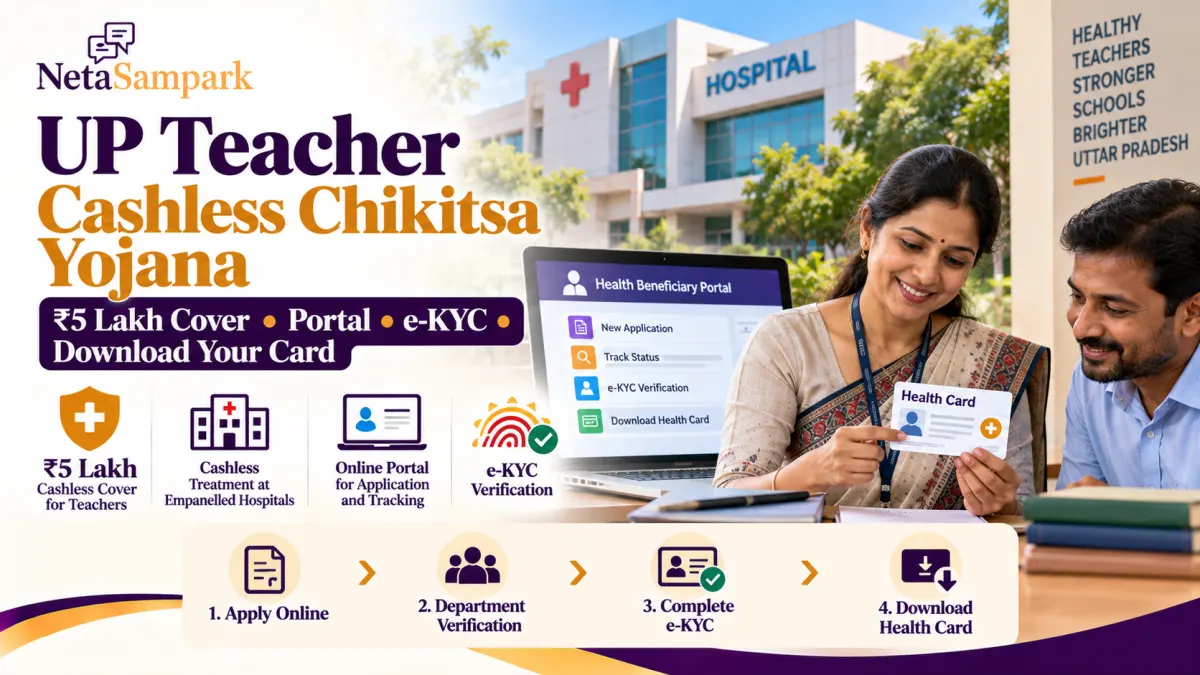
Uttar Pradesh has introduced the Mukhyamantri Shikshak Cashless Chikitsa Yojana to provide cashless medical treatment to eligible teachers, education personnel and their dependent family members.
The scheme is intended to help eligible families access treatment at government hospitals and participating private hospitals without paying the covered treatment cost upfront, subject to the scheme’s rules and approved treatment packages.
But many applicants have questions: Which portal should they use? How does departmental approval work? Where is Aadhaar e-KYC completed? And how can they download the health card?
Here is a practical guide.
UP Teacher Cashless Chikitsa Yojana: Key Details
| Particular | Details |
|---|---|
| Scheme name | Mukhyamantri Shikshak Cashless Chikitsa Yojana |
| State | Uttar Pradesh |
| Implementing agency | SACHIS — State Agency for Comprehensive Health and Integrated Services |
| Private hospital cover | Up to ₹5 lakh per eligible family per year, subject to scheme rules |
| Government hospitals | Cashless treatment under applicable scheme provisions |
| Beneficiaries | Eligible teachers, education personnel and dependent family members |
| Application mode | Online |
| e-KYC | Through the designated beneficiary system after the required approval |
| Official government announcement | UP Information Department |
The Uttar Pradesh government’s cabinet announcement dated 29 January 2026 approved cashless inpatient treatment for specified Basic Education teachers, personnel and their dependants at government hospitals and eligible private hospitals. The implementation is through SACHIS, with treatment rates linked to applicable Ayushman Bharat and National Health Authority packages.
The ₹5 lakh figure refers to the annual cover available for eligible treatment at participating private hospitals. Check the scheme’s current rules for covered procedures, hospital eligibility and any applicable limits.
Who Is Eligible?
The government’s January 2026 announcement listed the following categories under the Basic Education initiative:
- Basic Shiksha Parishad teachers.
- Teachers in specified aided and self-financed recognised junior high schools.
- Shiksha Mitras.
- Anudeshaks in upper-primary schools.
- Eligible teachers and wardens working in Kasturba Gandhi Balika Vidyalayas.
- Special educators covered by the announcement.
- Midday-meal or PM POSHAN cooks included under the scheme.
- Eligible dependent family members of covered personnel.
The announcement estimated that approximately 11.95 lakh teachers and other personnel could benefit.
Important: Do not assume that every teacher, retired employee or staff member is automatically eligible. Coverage depends on the relevant government order, employment category and departmental implementation. Confirm eligibility with your department before applying.
Which Portal Should You Use?
This is an important step because the application portal depends on the education department.
| Your department | Portal to check |
|---|---|
| Basic Education | cmtcts.upsdc.gov.in |
| Secondary Education | mcmtcts.upsdc.gov.in |
| Higher Education | hcmtcts.upsdc.gov.in |
| Aadhaar e-KYC and beneficiary card services | NHA Beneficiary Portal |
The three departmental portal addresses are reported in scheme guidance, but availability and procedures can differ. If a portal does not open, start with your department’s official website or contact its nodal officer to confirm the correct link.
Do not enter personal information on an unrelated website claiming to provide the card.
How to Apply for the Cashless Health Card
For applicants covered by the Basic Education portal, the general process is as follows.
Step 1: Open the relevant departmental portal
Visit the Basic Education portal at https://cmtcts.upsdc.gov.in/ or use the portal designated by your department.
Step 2: Select the application option
Look for “Apply for Shikshak Cashless Chikitsa Card” or the equivalent application option shown on the website.
Step 3: Verify your mobile number
Enter the required mobile number and complete OTP verification if prompted.
Step 4: Enter your employment details
Fill in the department, district, block, current post, school or institution and other required service details.
Step 5: Add eligible dependants
If the scheme allows you to register dependent family members, enter their details accurately and provide the documents requested by the portal.
Step 6: Review and submit
Check names, dates and employment details carefully before submitting. Save or print the application acknowledgement.
Step 7: Wait for departmental verification
The application is reviewed by the appropriate authority. For Basic Education applicants, the reported workflow includes verification by the Block Education Officer (BEO) followed by the Basic Shiksha Adhikari (BSA). The process may differ for other departments.
Keep your application reference number so you can follow up if approval is pending.
How to Check Your Application Status
After submitting your application, check whether it has been verified and approved.
For Basic Education applicants, the following portal has been reported for checking application approval status:
https://cmtcts.upsdc.gov.in/public/showAppStatus.aspx
Use the relevant application details requested by the portal. If your application is still pending, contact the authority responsible for the pending stage rather than submitting another application immediately.
For secondary and higher education applicants, follow the status-check procedure provided by the respective departmental portal.
How to Complete Aadhaar e-KYC
Submitting the departmental application does not necessarily complete beneficiary verification. You may need to complete e-KYC after your application has been approved and the beneficiary details have become available in the designated system.
The reported process is:
- Open the NHA Beneficiary Portal.
- Sign in using the available login method.
- Select the relevant state and scheme or sub-scheme, where prompted.
- Search for the beneficiary using the identification details requested by the portal.
- Check that the beneficiary and dependent details match the records.
- Select the e-KYC option for the relevant family member.
- Complete Aadhaar-based authentication using the available method.
- Follow any additional instructions, such as live-photo verification, if requested by the system.
The exact menu names and search options may change. Follow the options displayed on the official portal rather than relying on screenshots from an older guide.
Never share your Aadhaar OTP with another person. Enter it only on the official authentication page when you have initiated the process yourself.
How to Download Your Cashless Health Card
Once the application is approved and the required beneficiary verification is complete, check the designated beneficiary system for the card.
- Open the NHA Beneficiary Portal.
- Sign in and locate the relevant scheme and beneficiary record.
- Check whether e-KYC is complete for the teacher or dependent.
- Look for the available card download or print option.
- Download the generated card and save a copy.
- Keep a digital copy on your phone and a printed copy if convenient.
Some departmental portals may also provide an employee gateway or print-card option. Use the route specified for your scheme and department.
If the download option is not visible, do not assume your application has been rejected. Check the approval status, confirm that e-KYC is complete and contact the scheme helpdesk or departmental nodal officer if necessary.
Which Hospitals Accept the Card?
The scheme is implemented through SACHIS and participating hospitals. The government announcement refers to government hospitals and private hospitals associated with the scheme.
Before planned treatment, confirm that:
- The hospital is currently empanelled.
- The required treatment or procedure is covered.
- The hospital can verify your beneficiary record.
- Any required pre-authorisation has been completed.
You can start by checking the National Health Authority hospital search or asking the hospital’s Ayushman Bharat or scheme helpdesk to verify eligibility.
Do not assume that every private hospital or every procedure is covered merely because you have a health card.
What If e-KYC Fails or Your Card Is Not Available?
If you encounter an error, use this checklist:
- Confirm that the departmental application has been approved.
- Check whether the beneficiary details have appeared in the designated system.
- Make sure the name and other details match the relevant records.
- Confirm that the Aadhaar-linked mobile number is active if OTP authentication is required.
- Check whether e-KYC is complete for each eligible family member.
- Save a screenshot of the error message, avoiding unnecessary disclosure of sensitive personal information.
- Contact your departmental nodal officer or the official scheme support channel.
Do not submit duplicate applications unless the department specifically advises you to do so.
Frequently Asked Questions
1. How much cashless treatment is available under the scheme?
The scheme is described as providing up to ₹5 lakh per eligible family per year for covered treatment at participating private hospitals. Government-hospital treatment is governed by the applicable scheme provisions.
2. Do teachers have to pay the annual premium themselves?
The government's January 2026 announcement estimated an annual premium cost of ₹3,000 per covered teacher or personnel member, with the scheme expenditure to be provided through the Basic Education Department. Confirm the current funding and implementation terms applicable to your category.
3. Can I download the card immediately after applying?
Not necessarily. The application may first need departmental verification and approval, followed by beneficiary verification and e-KYC.
4. Where is Aadhaar e-KYC completed?
The reported process uses the NHA Beneficiary Portal. Follow the instructions provided for your approved beneficiary record.
5. Can I add my family members?
Eligible dependent family members are included under the scheme announcement. Use the designated departmental application process and provide the information required for each eligible dependent.
6. What if I work in a secondary or higher education institution?
Check the portal and instructions designated for your department. Do not assume that the Basic Education application workflow applies to every education employee.
Final Reminder
The main steps are simple: choose the correct departmental portal, submit your application, complete departmental verification, finish e-KYC and download the health card once it becomes available.
Keep your application acknowledgement and check the status before visiting a hospital for planned treatment.
Official links
- UP Information Department
- Basic Education application portal
- Secondary Education portal
- Higher Education portal
- NHA Beneficiary Portal
- Empanelled hospital search
This guide is for public awareness. Eligibility, covered treatment, verification requirements and card-download procedures are subject to the latest government orders and the instructions displayed on the official portals.