
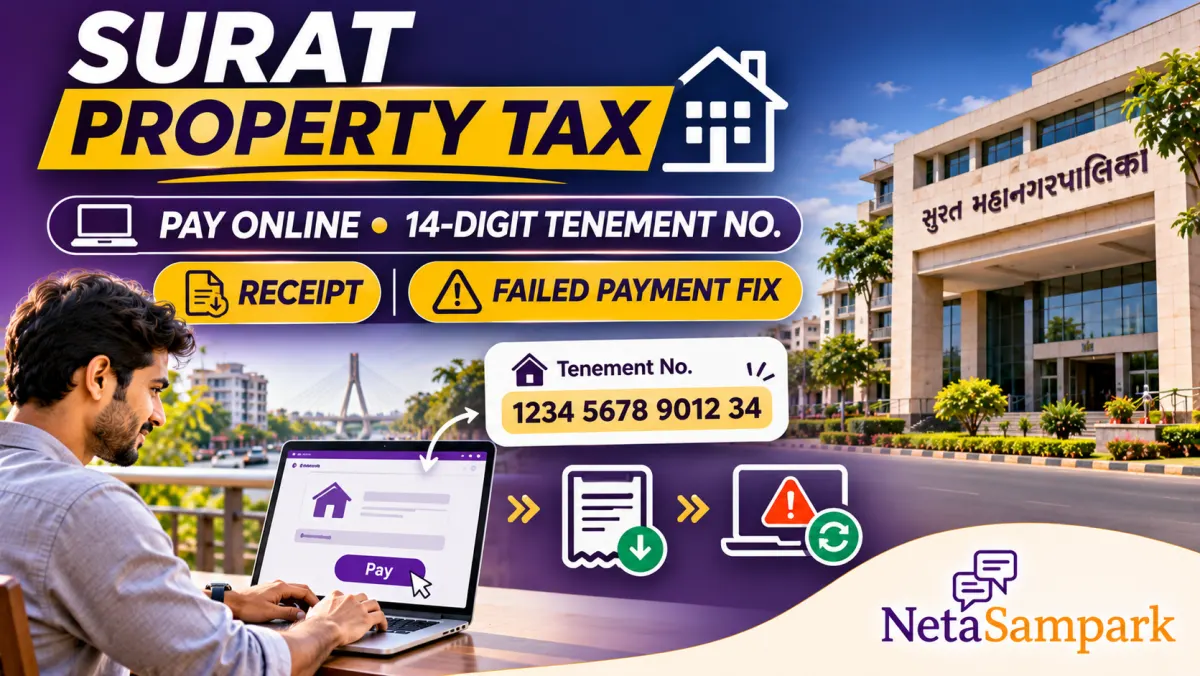
Surat property owners can check dues and pay tax online on suratmunicipal.gov.in with a 14-digit tenement number. Enter the number, see the pending amount, pay by net banking or card, and download the receipt. Part payment is not allowed. Payment help is on the SMC Help and FAQs page.
Updated 6 November 2026
If you own a flat, shop or house inside Surat Municipal Corporation limits, property tax is the yearly bill you cannot ignore. SMC lets you see the outstanding amount and pay it online without standing in a civic centre queue. The key is your 14-digit tenement number. This guide walks through finding that number, paying on the official portal, reprinting a receipt, and what to do when money leaves your bank but no receipt appears. Rebate and senior-citizen discount rules change with SMC policy, so always read the amount the portal shows for your bill before you pay.
Quick facts
| Item | Details |
|---|---|
| Official portal | Surat Municipal Corporation Online Property Tax and SMC Help & FAQs |
| Helpline | +91-261-2423750, Extension 345; email epay@suratmunicipal.org (as listed on SMC Help & FAQs) |
| Fee | No extra portal service charge. You pay the tax amount shown; bank or card charges if any are from your bank |
| Deadline | Follow the due date printed on your demand / shown on the portal for the current billing period. Late payment can attract penalty as per SMC rules |
| Documents | Tenement number; for login-based reprint, registered mobile or email and password |
| Tenement format | 14 digits, shown like Ward-Location-Owner-SubOwner-Occupier style on the portal (example pattern on the pay page) |
| Part payment | Not allowed. Pay the full pending amount shown for that tenement |
What a tenement number is
SMC identifies every assessed property with a tenement number. On the online property tax page it is broken into ward, location, owner, sub-owner and occupier parts, and together they make a 14-digit code. Without this number the portal cannot show your dues.
Where people usually find it:
☐ Previous SMC property tax receipt or demand bill ☐ Allotment or society maintenance papers that quote the SMC tenement ☐ Assessment letter from your zone's Assessment & Recovery Department ☐ Old SMS or email from SMC if you paid online before
If you truly cannot find it, visit or call the Assessment & Recovery section of your zone office with the property address and owner name. The online page also has a "How to find Tenement No.?" help link next to the form.
Who can pay online
Anyone with a valid tenement number can pay. You need net banking with a listed bank, or a card that supports the portal's payment flow (SMC's Help page mentions Master/Visa credit and debit with VBV/VBM style authentication). UPI availability depends on what the payment gateway shows on the day you pay. The citizen portal itself does not charge an extra SMC service fee.
You can pay for only one tenement per transaction. For a second property, start a fresh payment.
Step-by-step: pay property tax online
☐ Open the official site suratmunicipal.gov.in and go to Online Services → Property Tax (Check & Pay / Enroll page) ☐ Enter the 14-digit tenement number carefully ☐ Solve the captcha / security question on the form ☐ Click to fetch the pending tax amount ☐ Read the owner name and property details on screen. If the name is wrong, stop and contact Assessment & Recovery; do not pay the wrong person's bill ☐ Choose Pay Now (or the equivalent button on the live form) ☐ Pick net banking, debit card, credit card or any other method the gateway offers ☐ Complete authentication with your bank ☐ Wait for the SMC receipt page. Save or print the receipt immediately ☐ Note the SMC transaction ID and bank reference
The Help page says online payments can take a few hours to reflect when you search the tenement again. Do not panic if the outstanding amount still looks old on the same afternoon. Check again later the same day or the next morning with your receipt in hand.
How to download or reprint a receipt
☐ Register / log in on the SMC Citizen Portal with the mobile or email you used ☐ Open Recent Transactions (top right or inside the service page) ☐ Find the transaction marked Success ☐ View or print the receipt / certificate from that row
If you paid without creating a lasting login, use the email SMC sent with the receipt, or contact epay@suratmunicipal.org with tenement number, transaction ID, reference number and date.
What if money was deducted but there is no receipt?
This is the most common scare. Follow the official Help & FAQs path:
☐ Log in to the SMC Citizen Portal ☐ Open Online Services → application-wise / transaction status for your payment ☐ If status is Success, print the receipt from that page. Email may also have it ☐ If status is Failed, SMC says the bank or card issuer refunds the debited amount, and the tax remains unpaid. You must pay again before the due date ☐ If the page timed out mid-payment, still check status the same way before paying a second time
For stuck cases, email epay@suratmunicipal.org with tenement number, SMC transaction ID, bank reference and date, or call +91-261-2423750 Ext. 345.
Rebates, senior citizen discount and advance payment
SMC's Help page says:
☐ Advance payments can get the same rebate benefits as civic-centre payments, as per current SMC policy ☐ Senior citizen discount is available online only if you already completed senior citizen registration at the concerned zone office ☐ Both rebate and discount rules can change; trust the live bill calculation on the portal
We are not quoting a flat percentage here because SMC changes seasonal rebates by resolution. If a society WhatsApp forward quotes a last date, confirm it against your bill on the portal or the zone office notice board.
Offline backup
If the site is down for maintenance (SMC notes a daily window around 11:30 PM to 12:30 AM), or if you prefer cash/cheque counters:
☐ Pay at the City Civic Centre / zone collection centre that handles your ward ☐ Carry the tenement number and a photo ID ☐ Collect the stamped receipt before you leave
Online and counter receipts are both valid proof. Keep at least one soft copy in DigiLocker or email for loan and sale paperwork.
Fixing wrong owner name or wrong tax amount
The portal shows assessment data from the zone Assessment & Recovery Department. Typographical errors and wrong area or usage class are not fixed by paying online. Contact that department of your zone with supporting documents (sale deed, society letter, previous corrected bill). Pay only after the correction reflects, unless you are sure the amount is right and you just need a name fix later.
Checklist before you pay
☐ Tenement number matches your old receipt ☐ Owner name on screen is yours or your family's ☐ Full pending amount fits your bank limit for the day ☐ You are not trying a part payment (not allowed) ☐ You have not already paid the same bill earlier the same day (some banks cap repeat payments to the same merchant) ☐ You are on suratmunicipal.gov.in, not a lookalike domain
Final reminder
Find your 14-digit tenement number, open the official SMC property tax page, pay the full pending amount, and save the Success receipt the same day. If the bank debit and the portal disagree, check transaction status before paying again, then write to epay@suratmunicipal.org with the IDs. For your corporator or MLA after the bill is done, use NetaSampark's Gujarat page.
FAQ
How do I pay Surat property tax online?
Go to suratmunicipal.gov.in Online Services, open Property Tax, enter your 14-digit tenement number, fetch the pending amount, pay through the gateway, and download the receipt when status is Success.
What is a Surat SMC tenement number?
It is the 14-digit property identifier SMC uses for assessment and tax. It appears on previous bills and receipts and is entered on the online property tax form in ward-location-owner style parts.
Can I make a part payment of Surat property tax online?
No. SMC's Help & FAQs say part payment is not allowed. You have to pay the full pending amount shown for that tenement.
My account was debited but I did not get a Surat property tax receipt. What should I do?
Log in to the SMC Citizen Portal and check application-wise transaction status. If Success, print the receipt there. If Failed, wait for the bank refund and pay again. You can also email epay@suratmunicipal.org with tenement number and transaction details.
Is there a service charge for using the SMC online portal?
SMC states the Citizen Portal is free for citizens. You pay the tax amount; any bank or card fee is between you and your bank.
Do senior citizens get a discount on online payment?
Yes, if they have already completed senior citizen registration at the zone office. The discount follows current SMC policy and appears in the bill calculation when eligible.