
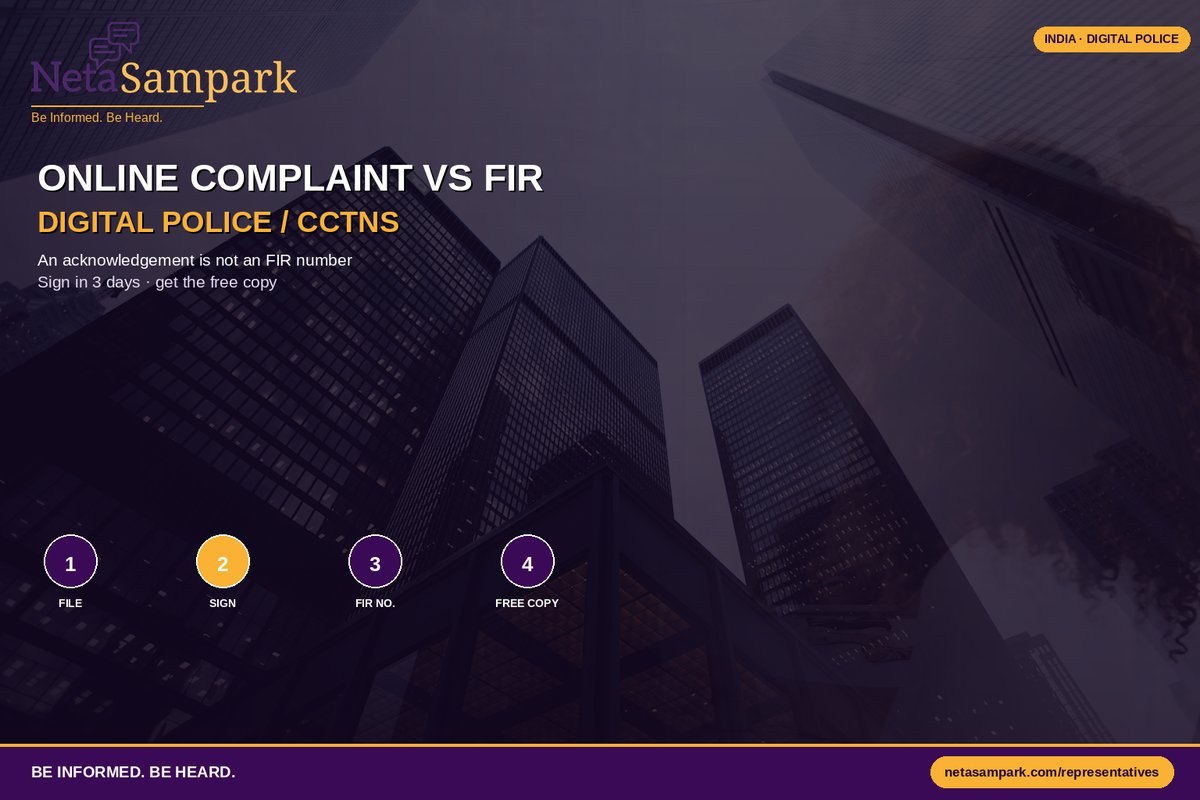
Quick take: Clicking “Submit Complaint” on a police portal does not automatically mean an FIR has been registered. Depending on the service and your state's system, you may have submitted an online complaint, a lost-article report, an e-complaint awaiting verification, or an electronic information that must be authenticated before becoming an FIR.
The most important habit is simple:
Save the acknowledgement. Then ask: “What is my FIR number and year?”
If there is no FIR number, don't assume that an FIR exists.
Complaint, NCR and FIR Are Not the Same Thing
Police websites use different labels, which makes the process confusing.
Online complaint
You submit information about an incident through the citizen portal.
You may receive:
- Complaint/reference number
- SMS or email acknowledgement
- Contact from a police officer
- Request to visit a police station
- Notification that the complaint was closed or converted
An online complaint is not automatically an FIR.
Lost-article / NCR-type report
For certain lost-property or non-cognizable matters, the system may generate a report or acknowledgement.
It can be useful for:
- Blocking a lost phone
- Informing a bank
- Insurance documentation
- Passport-related processes
But again, a report number is not necessarily an FIR number.
FIR
An FIR — First Information Report is the formal registration of information relating to a cognizable offence.
Once registered, there should be an identifiable FIR number and year.
That distinction matters when you are dealing with an investigation, court proceedings, insurance claim or another authority asking specifically for an FIR.
So What Is Digital Police / CCTNS?CCTNS stands for Crime and Criminal Tracking Network & Systems.
Think of it as the digital infrastructure connecting police stations and crime-related records.
Citizen-facing services can sit on top of this infrastructure.
Depending on your state, you may see services labelled:
- Citizen Services
- Digital Police
- e-Complaint
- e-FIR
- Lost Property
- Vehicle Theft
- Complaint Registration
- FIR Search
The exact menu is not identical across India.
That is why a tutorial for one state's police portal may not perfectly match the screen you see in another state.
Start With the Official Police PortalUse your state police website or the official Digital Police/CCTNS citizen-service route.
For cybercrime or online financial fraud, the national cybercrime reporting system is also relevant:
National Cyber Crime Reporting Portal
Don't search for a random APK or click a social-media link promising to “register FIR instantly.”
Police portals contain sensitive personal information.
Use the official domain.
Before You Click SubmitPrepare the basic facts first.
Write down:
- Date and approximate time
- Location
- What happened
- What property was involved
- Names/details of people involved, if known
- Witness information, if relevant
- Transaction IDs, if financial fraud is involved
- Vehicle number, IMEI, serial number or document number, where relevant
- Photographs or supporting documents
Keep your description factual and chronological.
Don't turn the complaint into a 10-page argument about who is morally wrong.
The police need to understand:
What happened → when → where → who was involved → what evidence exists.
The Basic Digital Complaint FlowThe exact screens vary by state, but the process often looks like this:
1. Register / log in
You may authenticate using:
- Mobile OTP
- Citizen account
- Other state-specific credentials
2. Choose the correct service
For example:
Lost article
Vehicle theft
General complaint
e-FIR, where available
Cybercrime
Don't select a service simply because it is the first option on the screen.
3. Enter the facts
Give accurate information.
Check names, dates and numbers before submission.
4. Upload evidence
Where supported, attach:
- Photographs
- Bills
- Screenshots
- Transaction records
- Identification details
- Other relevant documents
5. Submit
Save:
Reference number + acknowledgement + SMS/email
Take a screenshot immediately.
The Most Important Question After SubmissionSuppose the portal says:
“Complaint successfully submitted.”
Good.
But ask yourself:
Did it actually generate an FIR?
Look at the document/header.
If it says:
Complaint No. 12345
that is a complaint reference.
If it says:
FIR No. 123/2026
that is an FIR reference.
Don't use the two interchangeably.
What Is an e-FIR?Some states provide online FIR registration for specific categories of offences.
The availability and categories vary.
For example, a state may permit online registration for certain property offences while requiring a police-station visit for other categories.
Therefore:
“My state has e-FIR” does not mean every offence can be registered completely online.
Read the service description on your state police portal.
Electronic Information Under BNSSIndia's new criminal procedure framework is the Bharatiya Nagarik Suraksha Sanhita (BNSS).
Under Section 173, information relating to a cognizable offence can be given by electronic communication, subject to the statutory requirements.
One particularly important point for citizens:
Electronic submission does not necessarily mean you can disappear after clicking Submit.
Where the electronic route requires authentication/signature, you may need to appear before the police officer and sign the recorded information within the prescribed period.
So if your portal or officer tells you to visit the police station to authenticate the electronic complaint:
Go.
Don't assume the online acknowledgement itself is the final FIR.
What Is a Zero FIR?This is another phrase that causes confusion.
A Zero FIR is generally used when information about a cognizable offence is given at a police station even though the offence falls outside that station's territorial jurisdiction.
The police station can register the information and subsequently transfer it to the police station with the appropriate jurisdiction.
So:
“This happened in another area, therefore we cannot receive your information” is not the end of the road for a cognizable offence.
You may still need to provide your statement, documents or authentication as required.
How Do You Get the FIR Copy?If an FIR has been registered, ask for the copy.
As the informant, you should not be asked to pay simply to receive the FIR copy that the law requires to be provided free of cost.
Depending on the state, you may be able to:
- Receive a printed copy at the police station
- Download it from the state police portal
- Search it using police-station/FIR details
- Receive a digitally generated document
Some FIRs may not be publicly searchable because of the nature of the offence or applicable privacy/sensitivity restrictions.
That doesn't mean an informant should give up on obtaining their own copy.
What If the Police Say “We Have Taken Your Complaint”?Ask politely:
“Has an FIR been registered? If yes, please give me the FIR number and year.”
That's it.
You don't need to argue about sections of law at the counter.
If the answer is:
“No, it is only a complaint.”
then you know what stage you're actually at.
Your Digital Paper TrailCreate one folder on your phone called:
POLICE CASE — [YEAR]
Put inside:
- Online complaint acknowledgement
- FIR copy
- FIR number
- Police-station name
- Officer contact
- Photos/videos
- Bills
- Medical documents, if relevant
- Call/SMS communications
- Written applications
- Subsequent correspondence
Add dates to filenames.
For example:
2026-09-11_online_complaint.pdf
2026-09-13_FIR_copy.pdf
This becomes extremely useful if you need to escalate later.
What If the Portal Doesn't Work?Digital systems fail.
You may see:
- OTP not arriving
- Payment/verification screen looping
- Upload failure
- Server unavailable
- Complaint submitted but acknowledgement missing
- Application stuck at “pending”
- FIR search returning no result
First:
- Screenshot the error.
- Note the date and time.
- Save any reference number.
- Try again later if appropriate.
- If the matter is urgent, don't let the broken website become the reason you delay reporting.
For emergencies or matters requiring immediate police response, use the appropriate emergency/police channel rather than waiting for a website to recover.
Cyber Fraud Is a Different Kind of UrgentIf money has just been transferred because of an online scam, don't spend hours perfecting a complaint before reporting it.
Use the national cybercrime reporting system and the appropriate financial-fraud reporting mechanisms as quickly as possible.
Keep:
- Transaction ID
- Bank/UPI details
- Fraudster's phone number
- Screenshots
- Chat history
- Website/app details
- Time of transaction
Speed matters because financial systems may have a limited window for intervention.
Common Digital Police Traps“I submitted the form, so FIR is done.”
Not necessarily.
Check the generated document and FIR number.
“The portal gave me a complaint number, so that's my FIR.”
No.
A complaint reference and an FIR number are different identifiers.
“The constable told me to pay for the FIR copy.”
Ask for the copy through the official process. Don't pay an unofficial fee simply because someone says it is necessary.
“The offence happened in another police station's area.”
For a cognizable offence, jurisdiction is not necessarily a reason to refuse to receive the information.
“I reported it on X/Twitter, so the police have registered it.”
A social-media complaint or message is not automatically an FIR.
Save the communication, but establish whether a formal police record exists.
If the Police Don't Register the FIRIf you believe information relating to a cognizable offence has not been properly recorded, don't rely only on repeated visits to the same desk.
Keep your evidence trail:
Online complaint → acknowledgement → written request → police-station response
The applicable escalation mechanisms can include approaching senior police officers and, where appropriate, the Magistrate under the BNSS framework.
For a serious case, especially involving violence, threats, sexual offences, significant financial loss or an ongoing danger, consider obtaining independent legal advice rather than relying solely on an online tutorial.
The Citizen's Pocket TableWhat you haveWhat it provesFIR?Portal acknowledgementYou submitted information❌ Not necessarilyComplaint referencePolice system received your complaint❌ Not necessarilyLost-article reportLoss was reported❌NCR/non-cognizable reportA report was recorded❌e-complaint awaiting actionPolice have information to examine❌ Not yetFIR number + yearFIR registered✅FIR copyFormal record of the registered FIR✅
Save this table.
It prevents a surprising amount of confusion.
What to Do After the FIR Is RegisteredOnce you have the FIR number:
- Save the FIR copy.
- Record the investigating officer's details if provided.
- Preserve your evidence.
- Respond to police requests.
- Keep copies of statements/documents you submit where appropriate.
- Track investigation/case updates through official channels where available.
- Don't post sensitive evidence publicly just because you are frustrated.
Social media isn't your case diary.
Where NetaSampark FitsPolice registration and investigation should remain with the police and the legal system.
NetaSampark's role is different:
help citizens understand who represents their area and where civic accountability sits.
If a neighbourhood repeatedly faces problems such as:
- Police portal outages
- Missing citizen-service facilities
- Repeated delays in obtaining records
- Lack of basic police-service access
document the systemic issue separately from the facts of individual criminal cases.
You can map the relevant elected representatives through:
Don't ask a representative to interfere with an investigation or “cancel” an FIR.
Ask for accountability around service delivery and access.
Your 10-Minute Digital Police ChecklistBefore leaving the matter:
- Used the official police portal
- Selected the correct service
- Written facts chronologically
- Uploaded relevant evidence
- Saved acknowledgement
- Saved complaint/reference number
- Checked whether an FIR was actually registered
- Recorded FIR number and year, if applicable
- Obtained FIR copy where applicable
- Saved police-station/officer details
- Created an offline evidence folder
- Noted the next follow-up date
When you finish an online police complaint, don't ask:
“Did I submit it?”
Ask:
“What exactly did the system register—and if it's an FIR, what is the FIR number and year?”
That one distinction can save you weeks of confusion.
Be Informed. Be Heard.
Digital policing is useful when you understand what the screen actually means.
Complaint ≠ FIR.
Acknowledgement ≠ FIR number.
Online submission ≠ necessarily completed registration.
Save the reference, authenticate when required, obtain the FIR copy when one is registered, and keep your evidence organised.
Be informed. Be heard.
Non-partisan civic explainer. Police portal services, e-FIR categories and workflows vary by state. For a live case, verify the applicable procedure with the official state police portal or obtain qualified legal advice.