
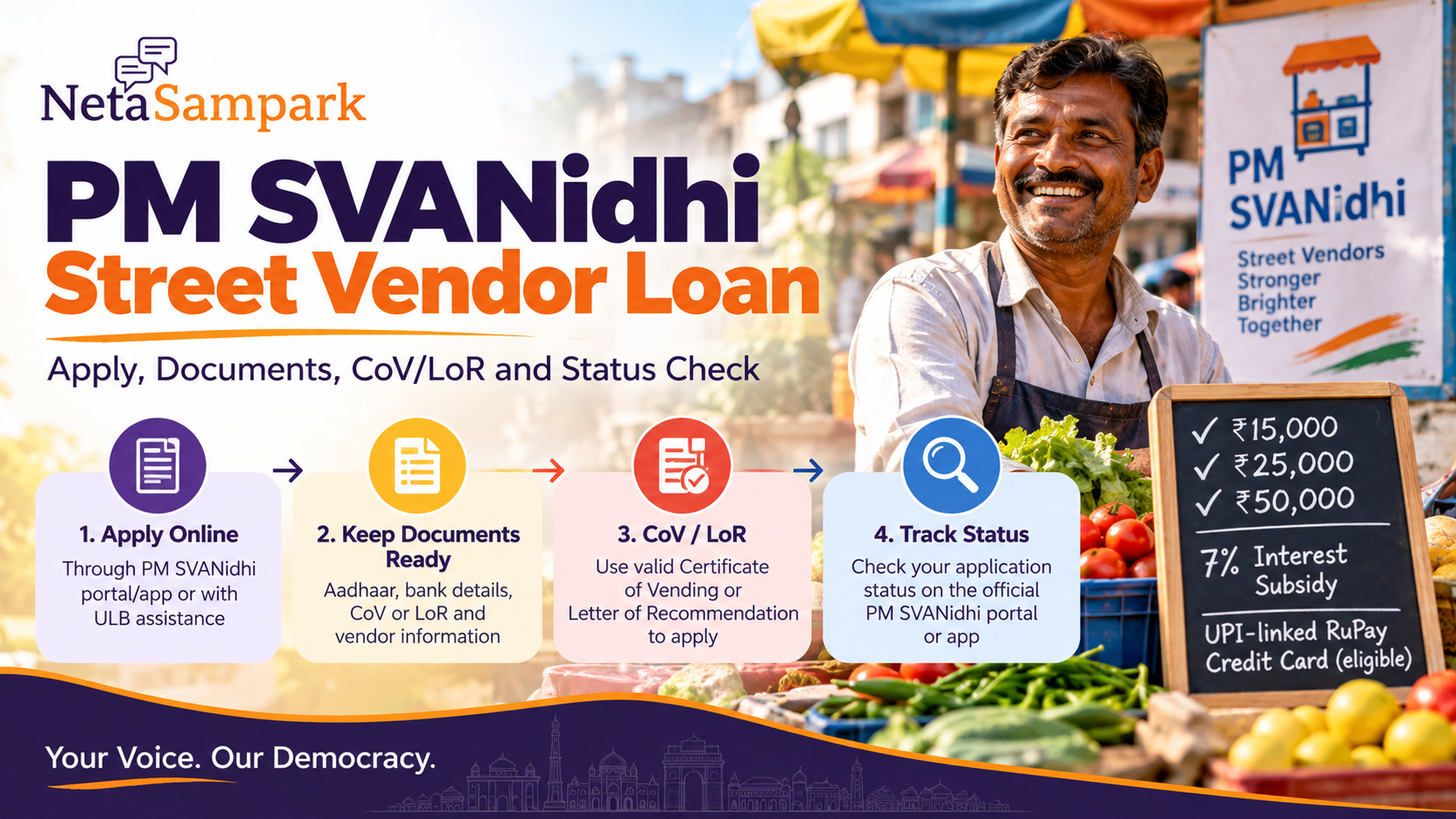
Quick take: If you are a street vendor and need working capital, PM SVANidhi provides collateral-free loans in progressive tranches of up to ₹15,000, ₹25,000 and ₹50,000. The restructured scheme has been extended until 31 March 2030. A valid Certificate of Vending (CoV) or Letter of Recommendation (LoR) can be used to apply through the official PM SVANidhi portal/app or with help from your Urban Local Body (ULB). (Press Information Bureau)
This is the street-vendor loan application + document + status guide — not a general MSME loan guide and not a PM SVANidhi welfare-linkage explainer.
What PM SVANidhi gives you
The current restructured scheme provides three progressive working-capital loan levels:
TrancheLoan amountRepayment periodFirstUp to ₹15,00012 monthsSecondUp to ₹25,00018 monthsThirdUp to ₹50,00036 months
The higher tranches depend on successful repayment of the earlier loan. (Press Information Bureau)
The scheme also provides a 7% interest subsidy for timely/early repayment and digital-transaction incentives. Eligible vendors who successfully repay the second tranche can also become eligible for a UPI-linked RuPay Credit Card of up to ₹30,000. (Press Information Bureau)
Who can apply?
PM SVANidhi covers eligible street vendors, including seasonal, mobile, women and tourism-dependent vendors, subject to the scheme's eligibility requirements. The restructured scheme is also being expanded beyond statutory urban areas to census towns and peri-urban areas in phases. (Press Information Bureau)
A vendor may be recognised through the local vending survey/ULB process or have the documentation required for applying through the scheme.
Don't assume that simply selling something on a street guarantees automatic approval. Identification and eligibility are handled through the relevant State/UT and ULB machinery. (Press Information Bureau)
CoV vs LoR — what is the difference?
Certificate of Vending (CoV)
This is the formal vending certificate issued through the applicable local vending-authority process.
Letter of Recommendation (LoR)
An eligible vendor who does not have a CoV can, where applicable, obtain an LoR from the relevant ULB/Town Vending Committee process.
The Ministry specifically confirms that vendors holding a valid CoV or LoR can apply through the PM SVANidhi portal/mobile app or with ULB assistance. (Press Information Bureau)
Practical rule: If you don't have either document, don't buy a fake “SVANidhi certificate” from an agent. Ask your ULB/Town Vending Committee how your vending activity should be documented.
Before you apply — 15-minute document pouch
Keep:
- Aadhaar
- Mobile number linked/usable for authentication
- Bank account details
- CoV, if you have one
- LoR, if you have one
- Existing PM SVANidhi loan details, if applying for a subsequent tranche
- Basic vending/business details
- Any ULB/vendor-survey reference available to you
The exact on-screen requirements can vary according to your application route.
How to apply online
Use the official PM SVANidhi portal:
PM SVANidhi official portal
The scheme's official mobile application can also be used for application-related services. The Ministry says vendors can apply through the portal/app or seek assistance from their ULB. (Press Information Bureau)
Basic application flow
1. Open the official portal/app
Avoid links sent through random WhatsApp groups.
2. Choose the vendor/loan application service
Follow the current screen for your application type.
3. Complete the identity and vendor details
Enter your details exactly as they appear in your supporting records.
4. Provide CoV/LoR information
If you already have a CoV or LoR, keep its details available.
5. Enter bank details
Check the account number and IFSC carefully.
6. Submit the application
Save the application/reference number immediately.
7. Track the application
Don't rely only on an SMS. Keep the reference number until the loan is sanctioned and disbursed.
Don't have a CoV or LoR?
Don't immediately assume you are excluded.
The official process recognises LoR routes for eligible vendors. Approach your ULB/Town Vending Committee and ask how to obtain the appropriate recommendation/document for PM SVANidhi.
The Ministry says identification of street vendors and issuing Certificates of Vending are responsibilities of the relevant State/UT and ULB machinery. (Press Information Bureau)
Applying for the second or third loan
These are not simply bigger versions of the first application.
The progressive structure is linked to repayment:
First loan → successful repayment → second tranche → successful repayment → third tranche
The Ministry confirms that successful repayment of the first and second tranches makes a vendor eligible for the next respective tranche. (Press Information Bureau)
So keep your previous loan account/reference details and repayment record handy.
How to check PM SVANidhi application status
Use the official PM SVANidhi portal or its official mobile application.
The PM SVANidhi app was specifically introduced to allow vendors to apply for loans, apply for an LoR, check loan application status and view cashback history. (Press Information Bureau)
Keep your:
- Application/reference number
- Registered mobile number
- Loan/tranche information
available when checking.
If the status remains unchanged, contact the relevant ULB or lending institution rather than submitting multiple fresh applications.
“Pending” does not mean “rejected”
Your application can pass through multiple stages involving verification and lending institutions.
The Ministry says the platform is designed as an end-to-end digital process and reports an average processing/approval time of about 23 days, subject to verification and completion of formalities. (Press Information Bureau)
If your application is pending beyond the expected processing period:
- Screenshot the current status.
- Keep your application number.
- Contact the ULB/authorised channel.
- Ask whether a document or verification step is outstanding.
- Contact the lending institution if the application has reached the bank/lender stage.
Don't create a second application just because the first one is taking time.
Bank says “come with an agent”
You don't need to pay an unofficial middleman merely because someone claims they can “guarantee” SVANidhi approval.
The official system involves ULBs, banks/financial institutions and the PM SVANidhi digital platform. (Press Information Bureau)
If somebody asks for money to:
- “unlock” your application
- generate a CoV/LoR unofficially
- guarantee sanction
- speed up a bank decision
- change your loan status
ask for the official receipt and verify with your ULB/bank.
Interest subsidy — don't miss the repayment side
PM SVANidhi provides a 7% annual interest subsidy for timely/early repayment. Timely repayment also matters because it can open eligibility for the next tranche. (Press Information Bureau)
So don't look only at:
“How much can I borrow?”
Also ask:
“What is my repayment schedule and what happens if I miss an instalment?”
Your lender should provide the actual repayment schedule applicable to your loan.
Digital cashback
PM SVANidhi also incentivises digital transactions.
Current official information describes cashback of up to ₹100 per month for 12 months for qualifying retail digital transactions, plus a separate wholesale-purchase incentive of up to ₹100 per quarter for four quarters, subject to the scheme conditions. (Press Information Bureau)
Don't treat every UPI transaction as automatically qualifying. The applicable scheme rules and transaction conditions matter.
UPI-linked RuPay Credit Card
The restructured scheme introduced a UPI-linked RuPay Credit Card with a limit of up to ₹30,000 for eligible vendors who have successfully repaid the second tranche. (Press Information Bureau)
This is a separate credit facility from the original working-capital loan.
Don't assume:
“I have a SVANidhi loan = I automatically get the credit card.”
Eligibility and issuance follow the applicable conditions and lender process.
Citizen mistakes that waste applications
Mistake 1: Applying through a fake website.
Start from the official PM SVANidhi portal.
Mistake 2: Paying an agent for an LoR.
Ask the ULB about the official LoR route.
Mistake 3: Entering the wrong bank account.
Verify every digit before submission.
Mistake 4: Creating duplicate applications.
Track the existing reference first.
Mistake 5: Ignoring repayment.
The next tranche depends on successful repayment.
Mistake 6: Losing the application number.
Screenshot it and save it in your phone.
If your name is missing from the vendor records
Start with your ULB/Town Vending Committee.
Ask:
“Is my vending activity recorded in the survey/ULB system, and what is the process for obtaining the required CoV or LoR for PM SVANidhi?”
The identification and mobilisation of eligible vendors are handled through States/UTs and ULBs. (Press Information Bureau)
Family 20-minute SVANidhi clinic
Sit with the vendor and do this once:
5 min: Find CoV/LoR.
5 min: Check Aadhaar + mobile + bank details.
5 min: Apply or check existing application status.
5 min: Save the reference number, lender details and repayment schedule.
Put the reference number in the same folder as the vendor's Aadhaar and bank documents.
One important distinction
PM SVANidhi is a working-capital loan scheme, not a grant.
You receive credit that has to be repaid according to the lender's schedule.
The scheme also has a broader SVANidhi se Samriddhi component that can link eligible beneficiaries and their families with selected welfare schemes. That is a separate benefit pathway — don't confuse welfare linkage with loan approval. (Press Information Bureau)
How NetaSampark helps
The loan is a central scheme, but CoV/LoR issuance, vendor identification and last-mile assistance involve local authorities.
Use NetaSampark to find relevant local civic contacts and service information when a street vendor is stuck between the ULB, vending committee and lender.
Be Informed. Be Heard.